EN 73
English
9 Audio-to-Text Mode
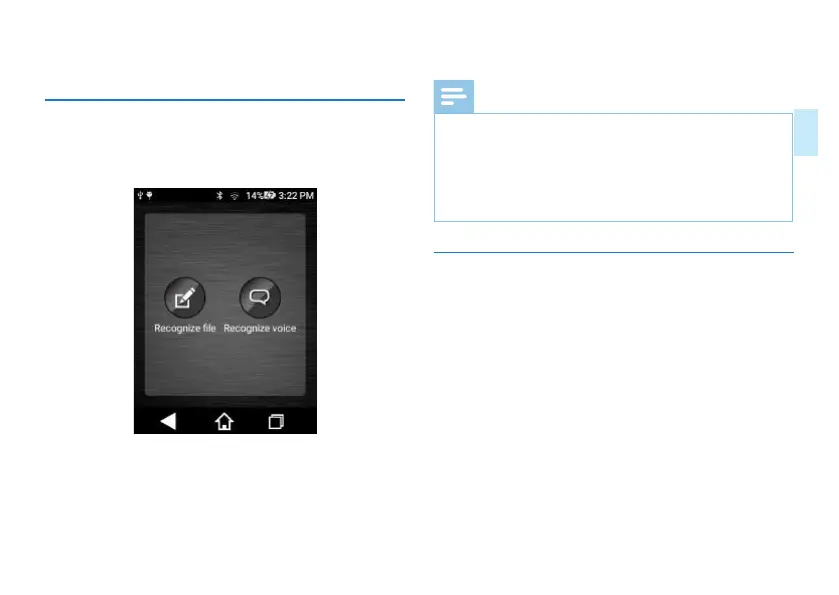
Click "Voice Text" application in the main interface to activate
the function of converting voice into text. Screenshot of the
interface is as follows:
By function of voice-to-text, both audio file and memo file
can be converted into text files.
Audio file to text: Convert a recorded audio file into a text
file.
Memo to text: have real-time recording, and convert audio
into a text file.
Note
• Function of voice-text can be only realized with internet
access.
• Please press “Save File” to save the text file after editing
it.
• Text file can be only viewed through PC not by the
device.
9.1 Recorded File-to Text
Click “Recorded File to Text” and enters into the interface as
shown below:














 To Next Page