74 EN EN 75
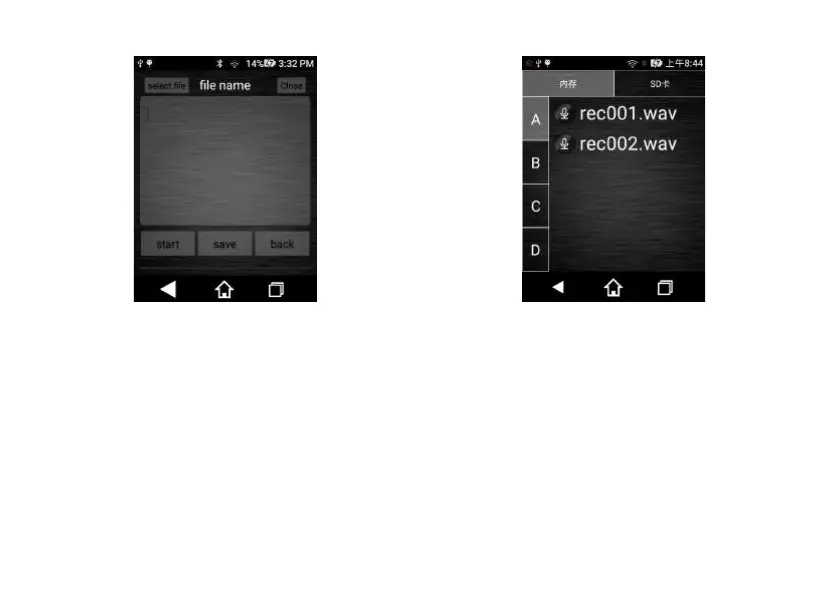
(1) Click “Select file”, enter into the recorded file selection
interface and click the file you want to convert to text.
The interface for “Selecting Files” is shown below:
(2) After selecting the file for conversion, click “Audio-to-
Text” to convert such file into text.
Interface for converting audio into text is shown below:














 To Next Page