EN 67
English
4. During AB replay, press “ ” to play the previous file and
AB Replaying mode ends. Press“ ” to play the next file and
AB Replaying mode ends.
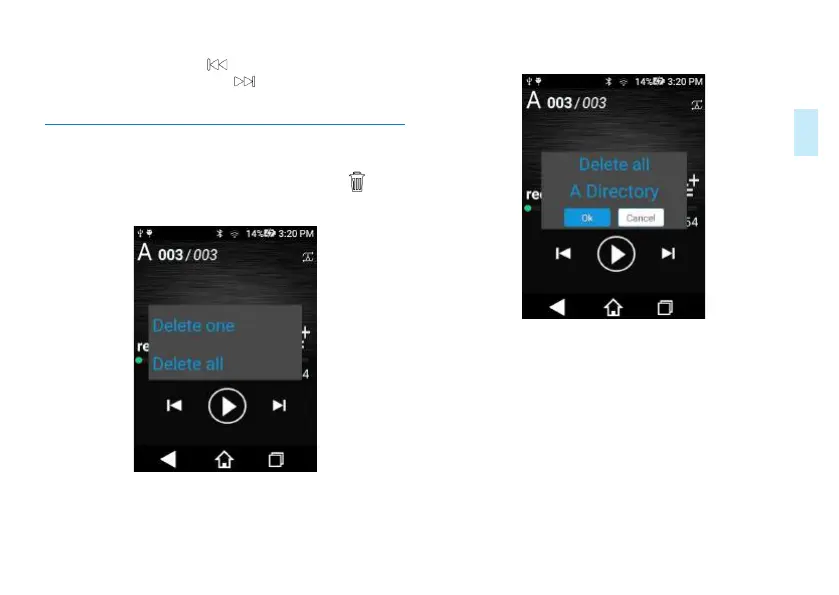
6.4 Delete Files
On the stopped playing voice interface, long press “ ”to
pop up Delete File Option as below:
Select “Delete One File” option to pop up “Confirmed
Delete” dialog box as below:
Click "Yes" to delete the file; click "No" to cancel deletion.
Select "Delete All Files" option to pop up “Confirmed
Delete” dialog box as below:














 To Next Page