76 EN EN 77
viewing.
5. When selecting SD card file conversion in the File
Selection menu, you need to insert the card first. For detailed
operations, please refer to device stored file conversion.
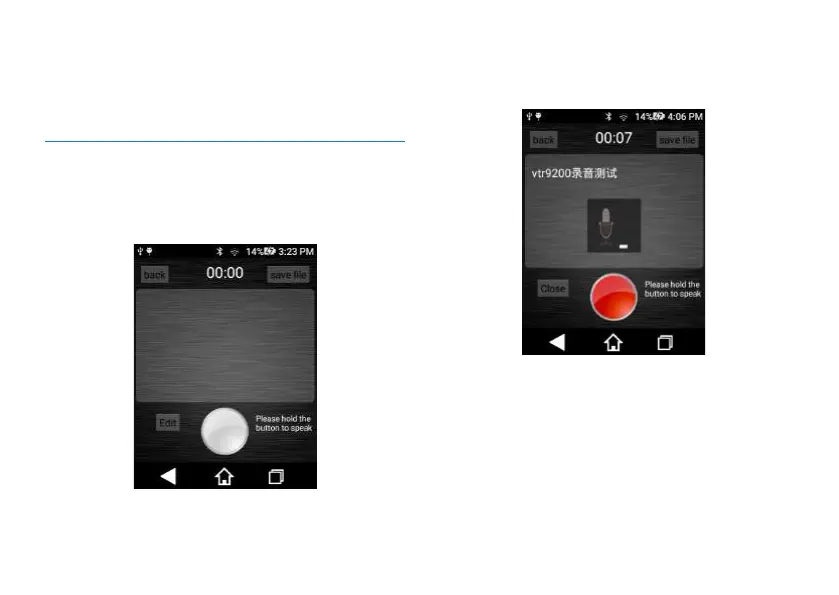
9.2 Memo-to-text
Click “memo-to-text” and enter the memo-to-text interface
as shown below:
(1) Long press the Microphone icon to speak and release it
when finished. Audio is simultaneously converted into text
during this process.
Interface for voice-to-text is shown below:
(2) For editing of text box, please refer to audio-to-text
editing function.
Text box editing interface is shown below:














 To Next Page