EN 83
English
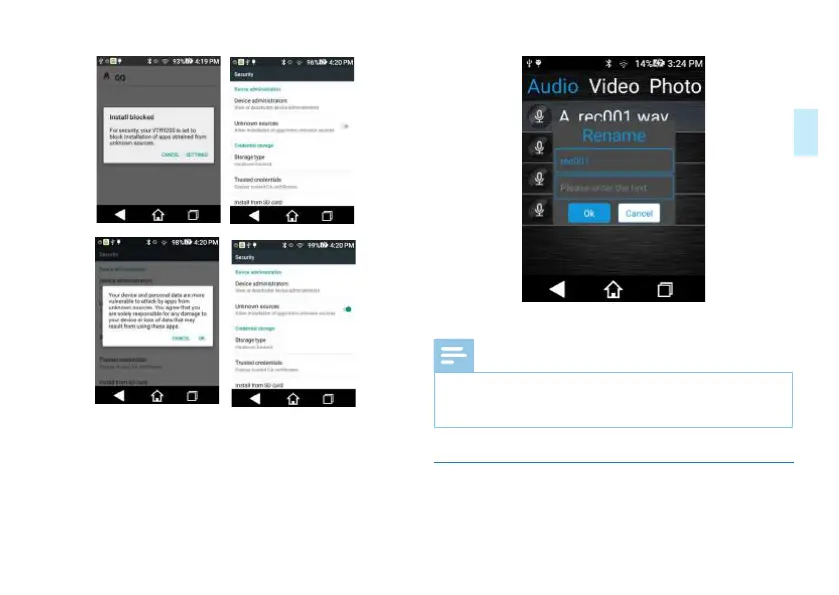
Click “Modify File Name” option to modify name of the
current file;
Interface for modifying the file name is shown below:
Click “Delete” to delete the current file.
Reminder:
• For audios, videos and photos to be shared in SD card,
please set the storage path as the SD card in the main
menu.
11.6 Mobile Phone Control
Introduction of Mobile APP for Model VTR920














 To Next Page