82 EN EN 83
Instruction on third-party software download:
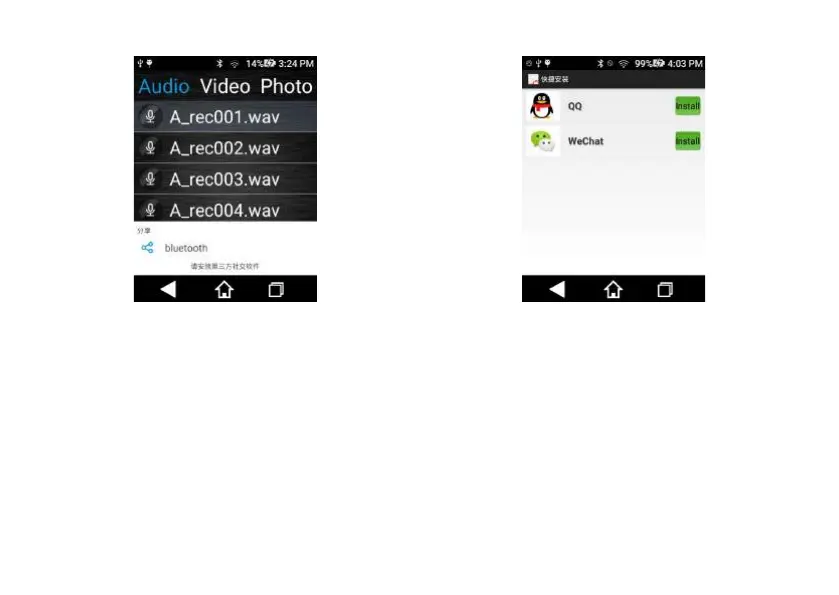
To help users download and share third-party applications,
you can click on the Quick Installation in the Applications
interface, enter into the installation link and click “Install” to
install the software you want on a third-party software page.
Click on “Install” to quick install such software in the upper
right corner.
Reminder: When installing third-party software for the
first time and the third-party software is downloaded, the
interface will pop up a “Prohibit Installing”. Click “Setting”
and see the Security setting page, click the “Unknown
Source” and click “Confirm” button in a new dialogue box,
then re-download the third-party software.
Interface for opening “Unknown Source” is shown below:














 To Next Page