84 EN EN 85
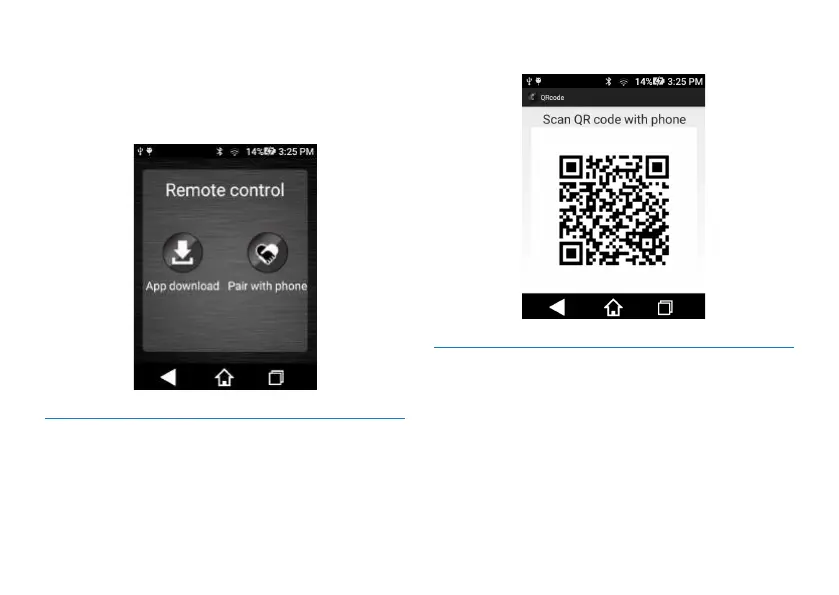
To control via your mobile phone, you need to have the
device interconnected with your phone. Such control can be
realized by downloading an App to your phone and binding
with the application. Screenshot of the interface is as follows:
11.6.1.1 APP Downloading
Download an App: click Download an App to pop up a QR
code, use your WeChat, QQ, Baidu and other third-party
software to scan the QR code to download the App.
The QR code for APP downloading is shown below:
11.6.1.2 Mobile Phone Binding
Mobile Phone Binding: After downloading APP and
successfully logging on, click Mobile Phone Binding, and you
will see one QR code. You can control the device via your
phone to record and save audio, video, supervise video
recording and perform other functions.
Reminder: When opening QR code, you need network
connection.
Screenshot of login interface of the mobile App is as follows:














 To Next Page