EN 93
English
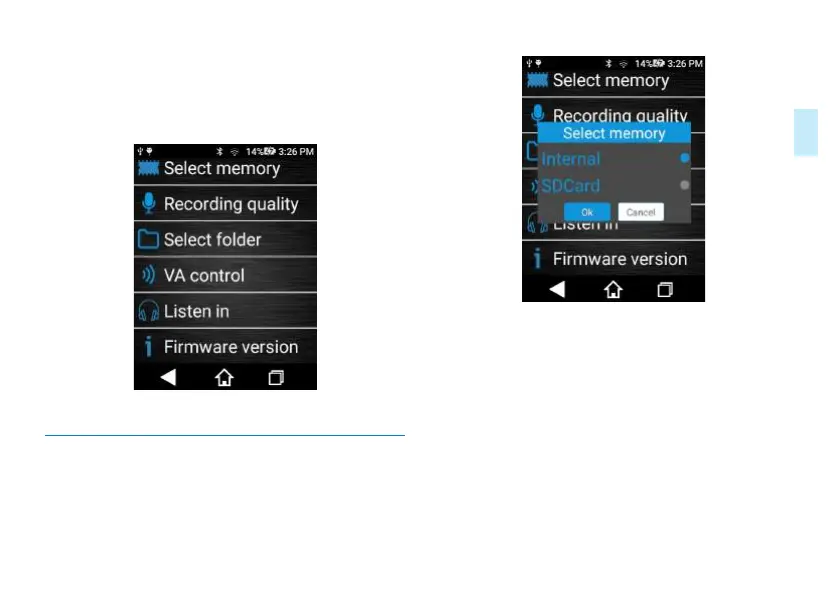
Voice recording setting includes storage path, recording type,
file folder selection, voice activation setting, listen in, software
version and other functions. Screenshot of the interface is as
follows
11.9.1 Storage path: Select the device or SD
card as the le storage path.
Storage path selection interface is shown below:
Reminders:
1. Selecting the device as the storage path means storing all
recorded audios, videos and photos in such device.
2. Selecting SD card as the storage path means storing all
recorded audios, videos and photos in such SD card.
3. When SD card is selected, there is a SD card icon in the
upper left corner of the interface.
4. No hot-plugging is supported. If you need to insert SD
card, please turn o the device first before inserting the card.
Then use the TF card.
5. When the SD card is inserted and chosen as the storage














 To Next Page