EN 91
English
in the upper right corner and then scan for a second time.
2) One mobile phone can be used for multiple devices.
However, one mobile phone can control only one of the
devices.
3. When multiple devices are bound with the mobile phone,
enter the mobile APP main menu and click “Switch” to enter
the preview interface and switch the device being controlled.
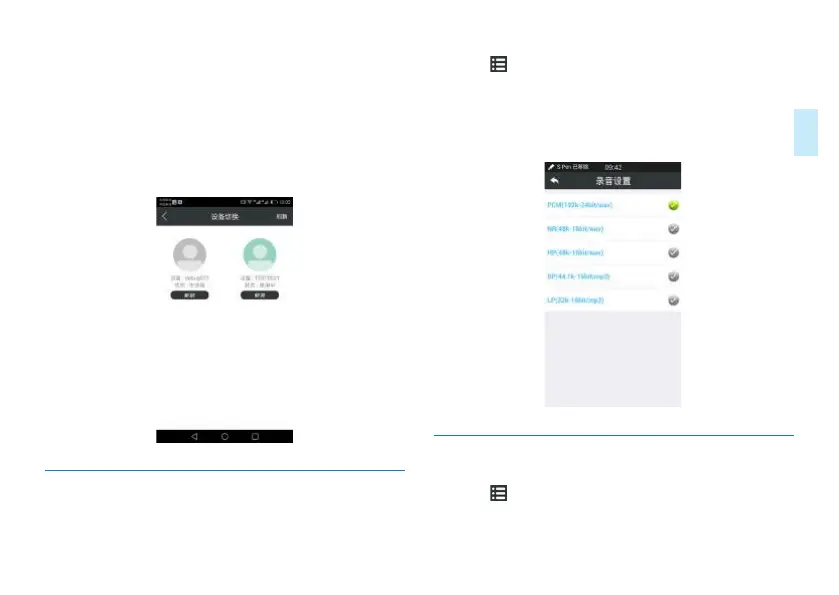
Interface for switching controlled device is shown below:
11.6.2.2.6 Setting on Recording Type on
Mobile Phone
Click the icon in the upper right corner of the main
menu on the mobile APP, enter into the VTR920 menu’s
setting, click “Settings” and select the recording type. During
mobile phone-controlled recording mode, the recording type
will be that as set on the mobile device.
Interface for recording type on mobile device:
11.6.2.2.7 Exit Mobile APP
Click the icon in the upper right corner of the main menu
on the mobile APP, enter into the VTR920 menu’s setting,
click “Change Account”, select the Exit APP interface and














 To Next Page