90 EN EN 91
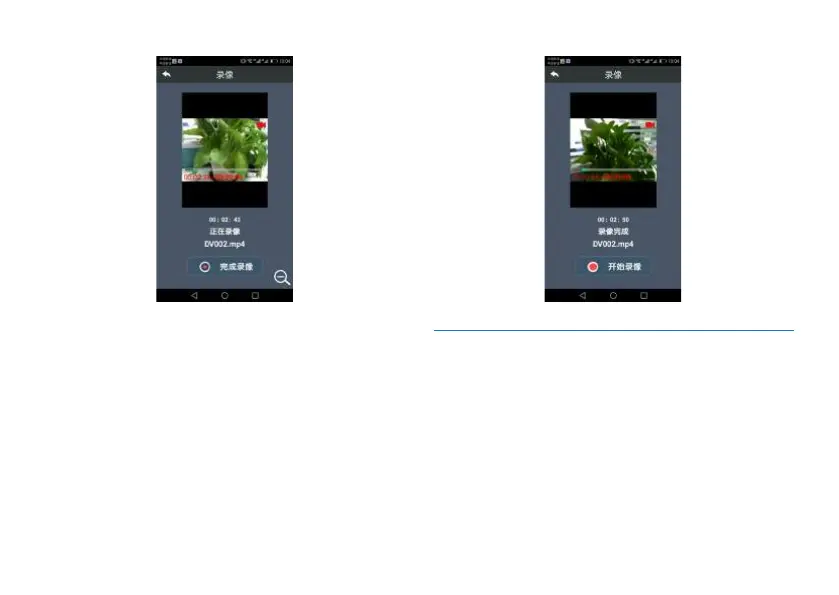
3. Click “Complete video recording”, the device will
automatically store the recorded videos and the mobile
phone will also show “video recording completed”.
Interface for competing video recording via mobile phone:
11.6.2.2.5 Instructions on Binding Device with
Mobile Phone
1. After binding is successful, enter the main menu on mobile
APP and then use mobile APP to bind the device with mobile
phone.
2. Click “Binding”, enters into the bar code scanning mode,
then use the mobile phone to scan such bar code and the
completes the binding process.
Reminders: 1) Only one time is allowed for bar code scanning.
If you have failed during first attempt, click the Reset button














 To Next Page