EN 89
English
11.6.2.2.4 Controlling Video Recording via
Mobile Phone
1. After mobile APP is downloaded, register and log onto
APP, and use the mobile phone to control video recording.
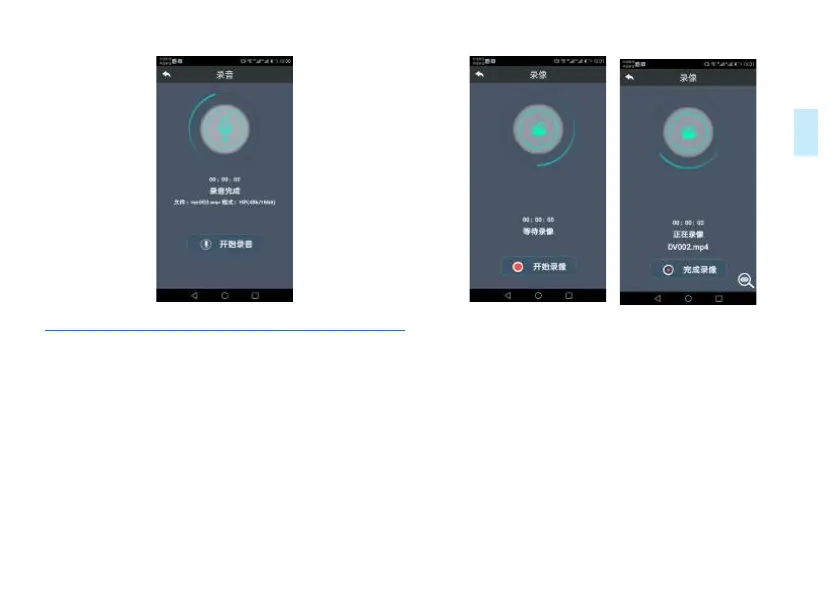
2. Click “Video Recording” to enter the video recording page,
click “Start video recording”, the device automatically enters
into video recording mode and the mobile phone also shows
that the device is “video recording.”
Video recording interface is shown below:
Reminder: During video recording, click the video recording
monitoring icon in the lower right corner of the interface,
then you can see a picture showing the real-time image.
Mobile phone monitoring time delay of about five seconds.
Interface for using mobile phone for monitoring video
recording:














 To Next Page