88 EN EN 89
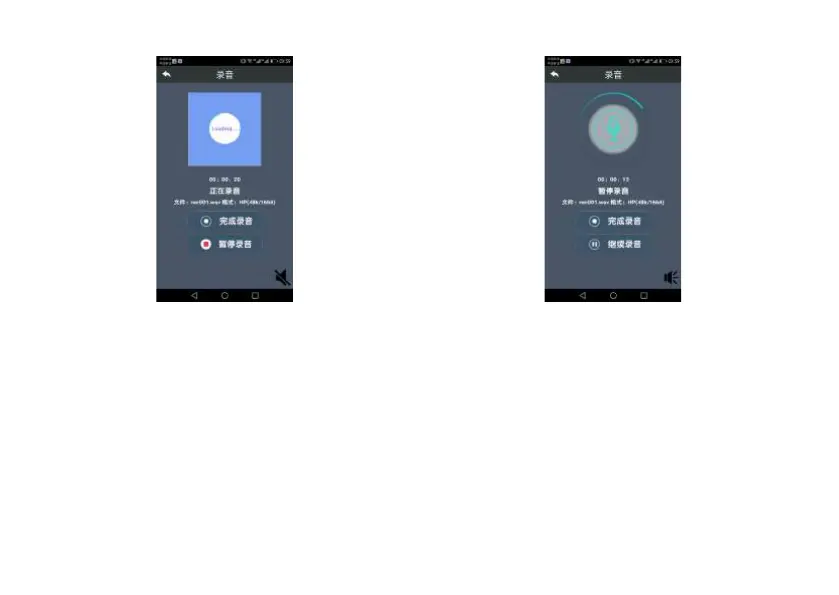
3. Click “Suspend Recording”, the recording process on the
device will be suspended and the mobile phone will also show
that recording has been suspended.
Suspending recording interface is shown below:
4. Click “Complete recording”, the recorded audios will
be automatically stored and the mobile phone shows that
recording has been completed.
Competing recording interface is shown below:














 To Next Page