EN 87
English
to scan the bar code. Then the VTR9200 is tied up to such
mobile phone.
11.6.2.2.3 Controlling Recorder via Mobile
Phone
1. After binding is completed, enter the main menu of the
APP on mobile phone and then control recording via mobile
phone.
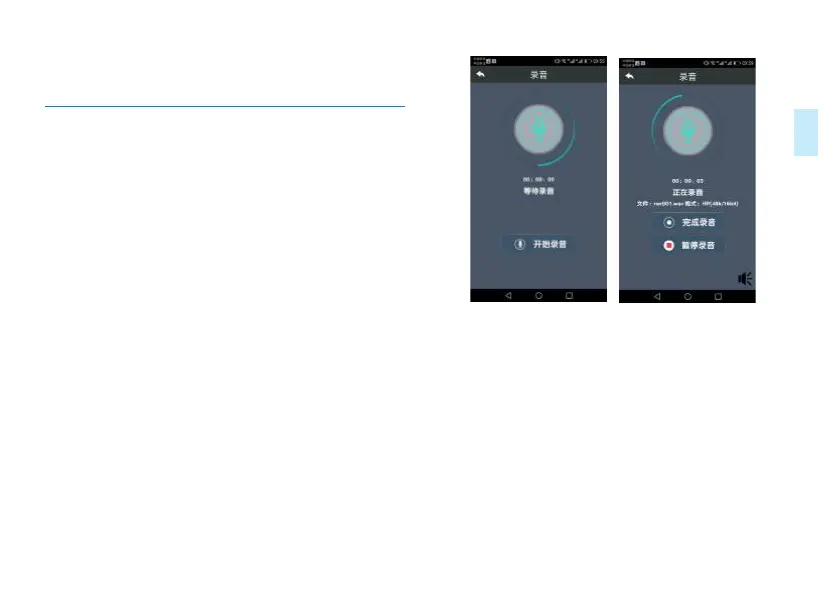
2. Click “Recording” the device enters recording mode and
this also shows up on the mobile phone.
Reminder: During recording, click the loud speaker icon and
you can hear the recorded sound via mobile phone.Mobile
phone monitoring time delay of about five seconds.
Mobile phone recording interface is shown below:
Mobile device monitoring recording interface is shown below:














 To Next Page