86 EN EN 87
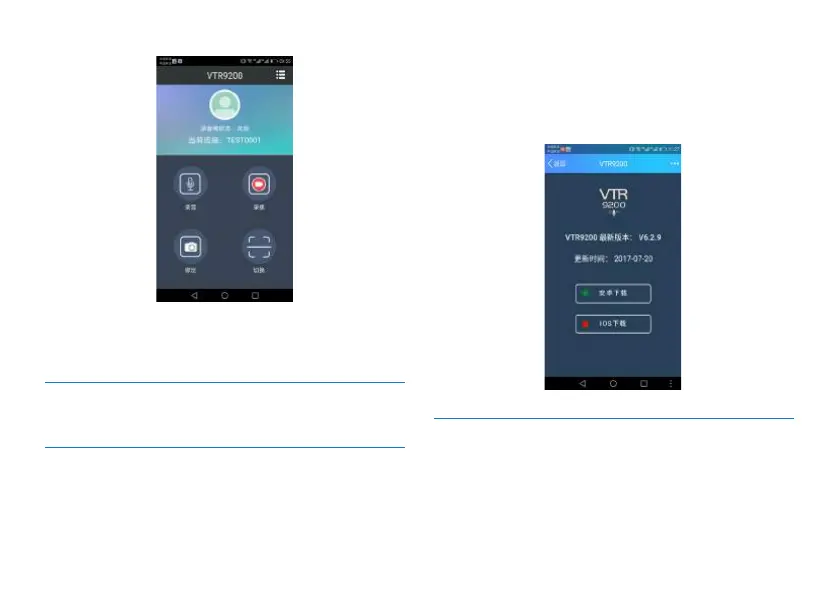
After entering the main menu via APP, you can achieve audio
and video recording, scanning QR code and switching device
functions.
11.6.2.2 Method for Mobile Phone Controlling
11.6.2.2.1 About Mobile APP Downloading
1. Click the “APP Download” QR code, use WeChat, QQ
or Baidu software to scan it, install such APP via “APP
Download” after scanning. Follow the instructions on the
mobile phone for downloading.
Reminder: When scanning for downloading, you will see both
Android and iOS versions. Choose the appropriate version
according to your phone type. The interface is shown below:
11.6.2.2.2 Binding Device with Mobile
Number via Mobile APP
1. After mobile APP is downloaded, register and log onto
APP, then a camera will automatically show up. Click the bar
code scanning button for VTR9200 and use the mobile phone














 To Next Page