96 EN EN 97
4. Voice control function, which only supports two recording
modes: N.R(48K-16bit/wav) and HP(48K-16bit/wav).
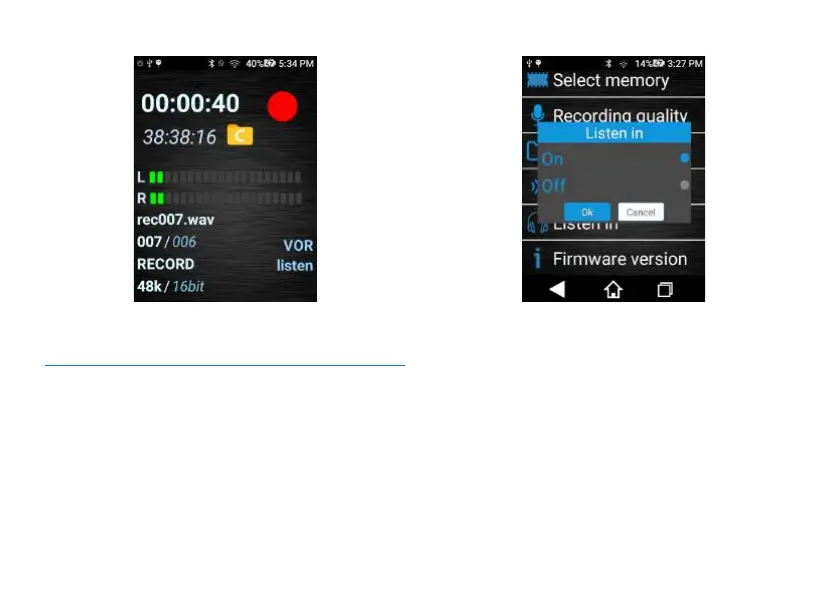
11.9.5 Recording Monitoring: Turn on or off
the monitoring function during recording.
Recording Monitoring interface is shown below:
Reminders:
1. Enabling monitoring function means pushing Recording
button to “REC”, inserting earphone into the earphone hole,
wearing the earphone and determining if there is sound input
when monitoring.
2. After shutting down the monitoring function, push the
Recording button to REC, and wear earphone to hear if
there is any sound.
11.9.6 Software version: view the current software version.














 To Next Page