24 25
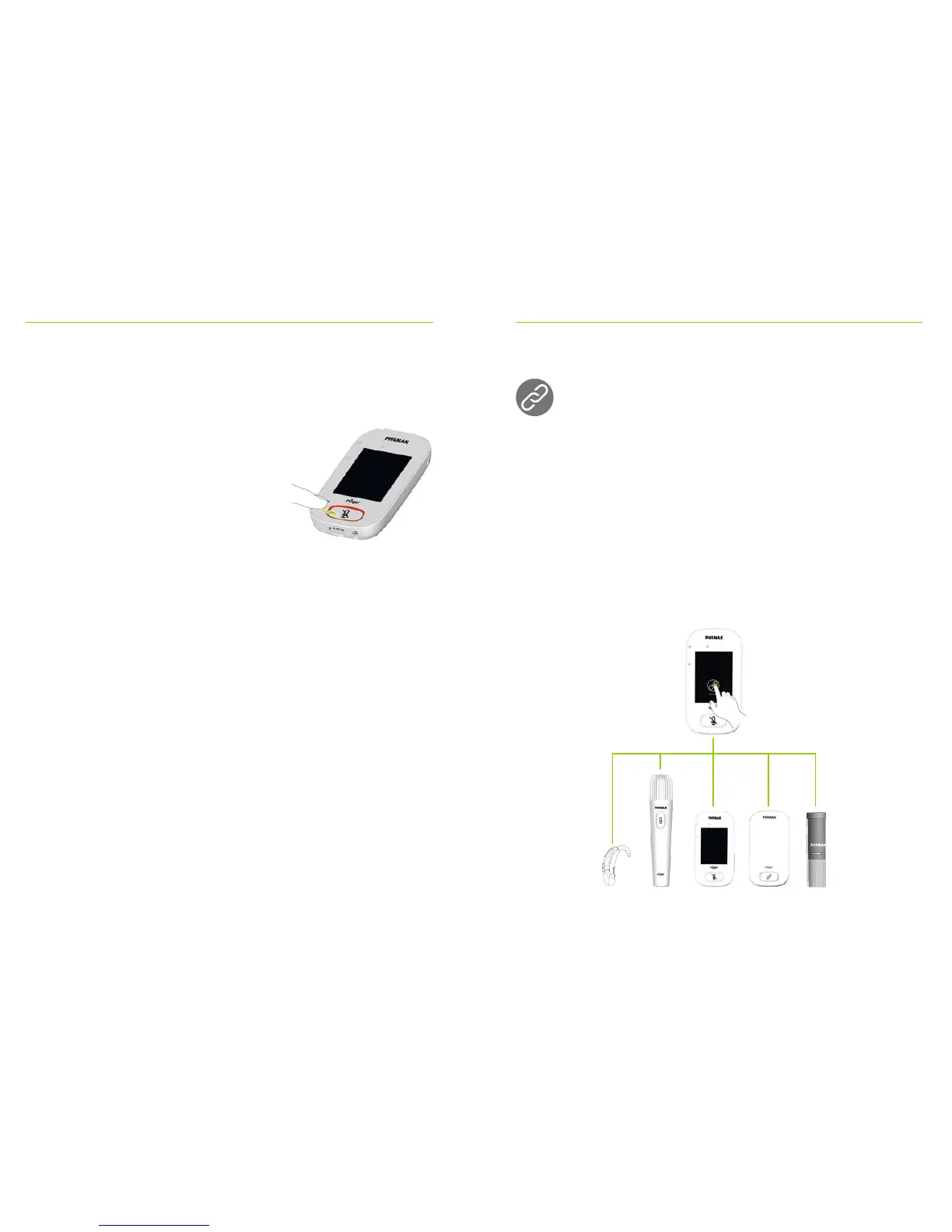
12.4 Mute/Unmute
Mute
• Press the Mute button
• Indicator light blinks red,
indicating device is muted and
Mute icon is briey displayed
on-screen
Unmute
• Press Mute button again to unmute microphone.
13 Functions
13.1 Connect
Connects nearby Roger devices, such as receivers,
microphones and DigiMasters, to the same network as
the Roger Touchscreen Mic.
How to use it:
• Roger device to connect must be turned on and within
10 cm / 4” of the Roger Touchscreen Mic
• Tap Connect to add device to network



 To Next Page