34 35
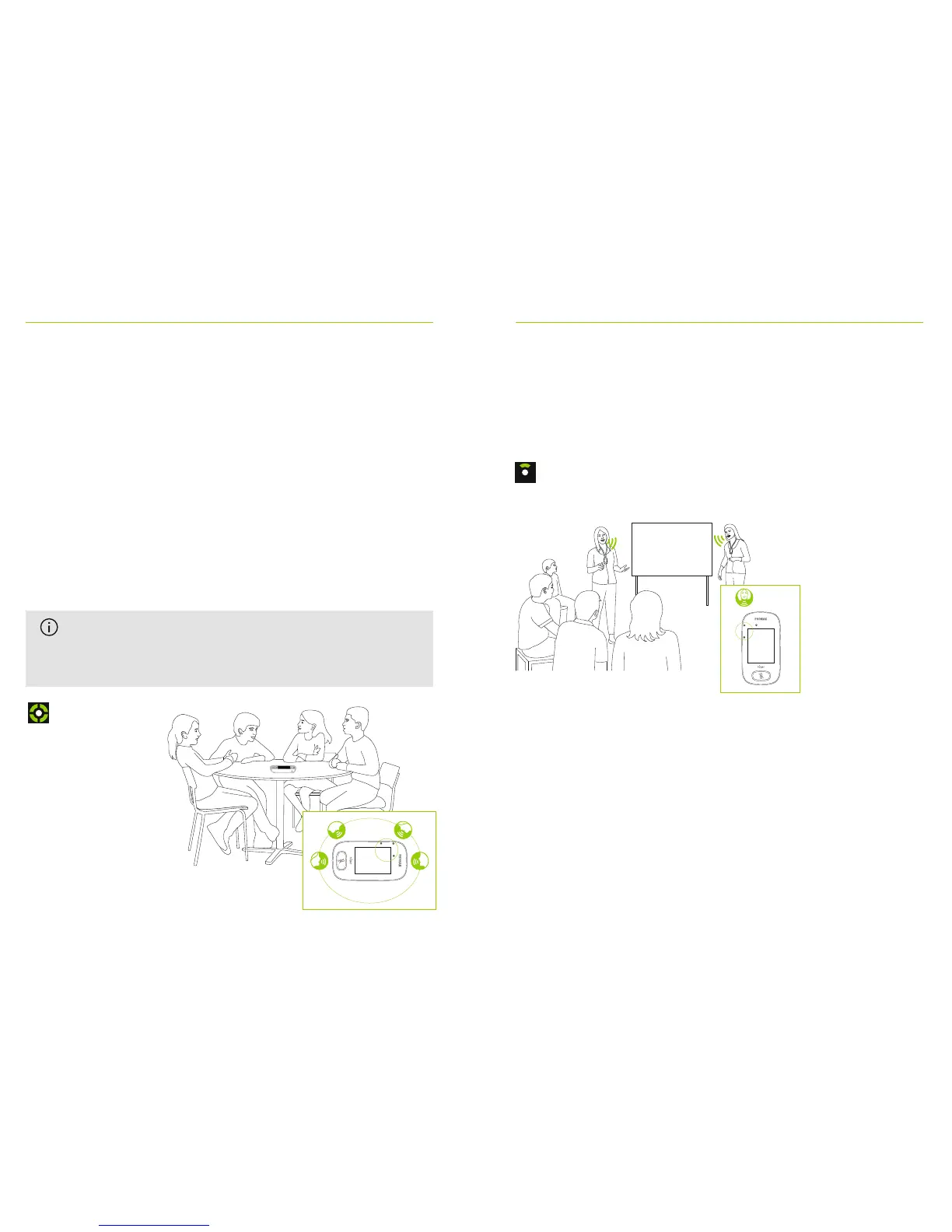
15.2 Small Group mode
Use this to listen in small-group situations comprising
two to ve students.
How to use it:
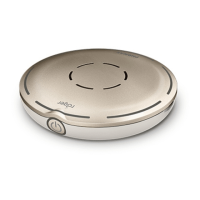
• Place Roger Touchscreen Mic in center of table
• Microphone will detect the students’ voices,
automatically orienting its three built-in microphones
towards the current speaker
• Small Group mode icon is visible in the status bar
Small Group
15.3 Lanyard mode
Use this when wearing the microphone around the neck.
The Lanyard mode icon is visible in the status bar.
Lanyard
In Small Group mode, connection to all
secondary microphones and DigiMasters will be
temporarily suspended.



 To Next Page