42 43
Only one Roger Pass-around user will be broadcast
to the network at one time. Priority is given to the
rst user to press their device’s microphone (PTT)
button.
How to activate/deactivate PPT:
• Select Activate or Deactivate
16.5.1 How to use Roger Pass-around (PTT):
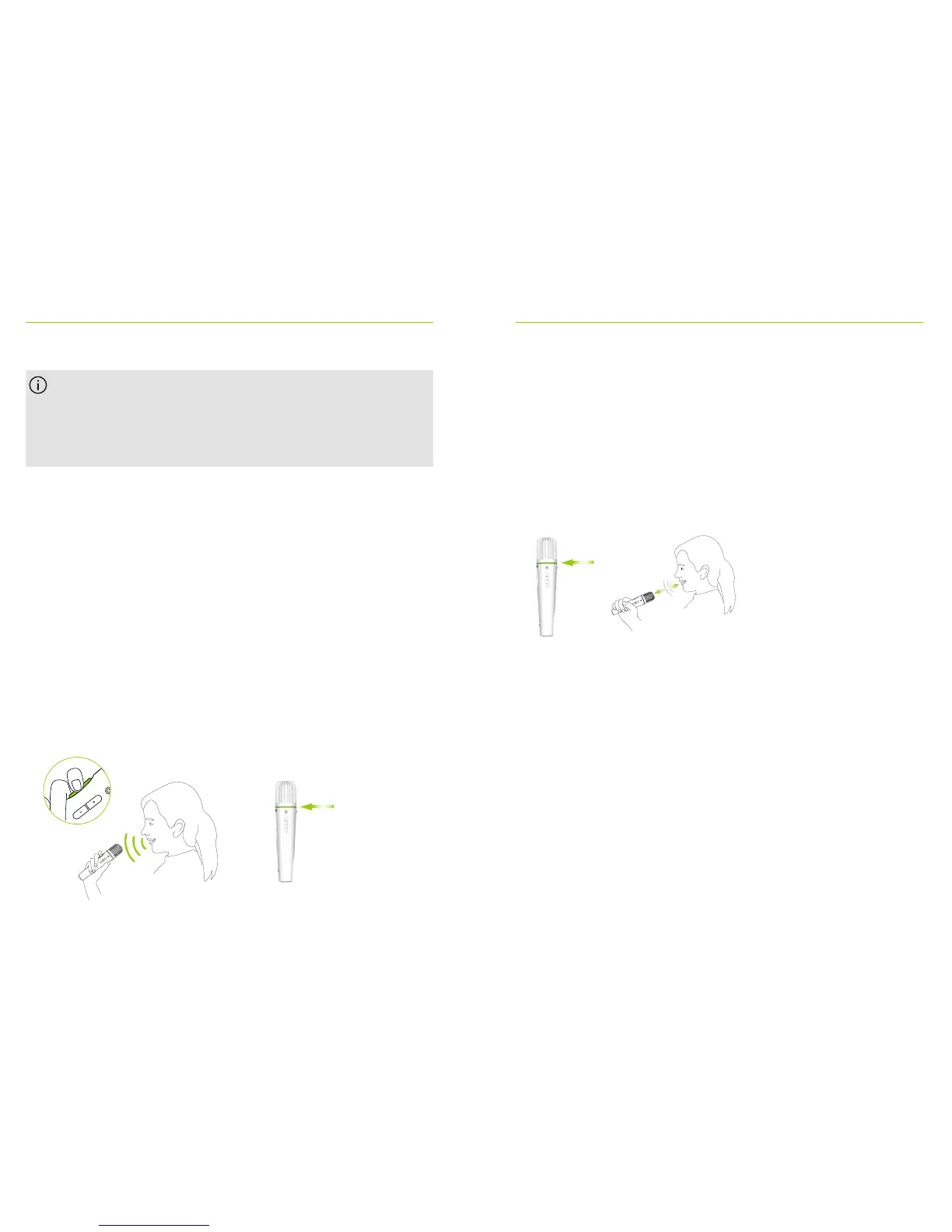
• Hold Roger Pass-around to mouth
• Press and hold microphone button to talk
• Green light indicates voice is being broadcast to Roger
receivers and SoundField
• If other Roger Pass-arounds are in network, their
indicator lights will turn orange
• When done talking, release microphone button
• Indicator light will turn o (no color)
16.5.2 How to use Roger Pass-around (VAD)
• Hold Roger Pass-around to mouth
• Green light indicates voice is being broadcast to Roger
receivers and SoundField
• When done talking, indicator light will turn o
(no color)
16.5.3 Reading a book with the Roger Pass-around
When a student is reading to the group, we recommend
using Roger Pass-around with its table stand.
This approach allows the student to use both his/her
hands to hold the book. Plus, the Roger Pass-around’s
accelerometer detects its position in the stand and
automatically adapts its internal microphone settings to
optimize its voice pick-up performance.
5-10 cm | 2-4“
5-10 cm | 2-4“



 To Next Page