58 59
16.18 Legal
Font license disclaimer. In English only.
16.19 About Roger Touchscreen Mic
Provides the following information about your Roger
Touchscreen Mic device:
• Device type
• Serial number
• Firmware version
• Hardware version
• Total usage time
How to use it:
• Select the microphone information required
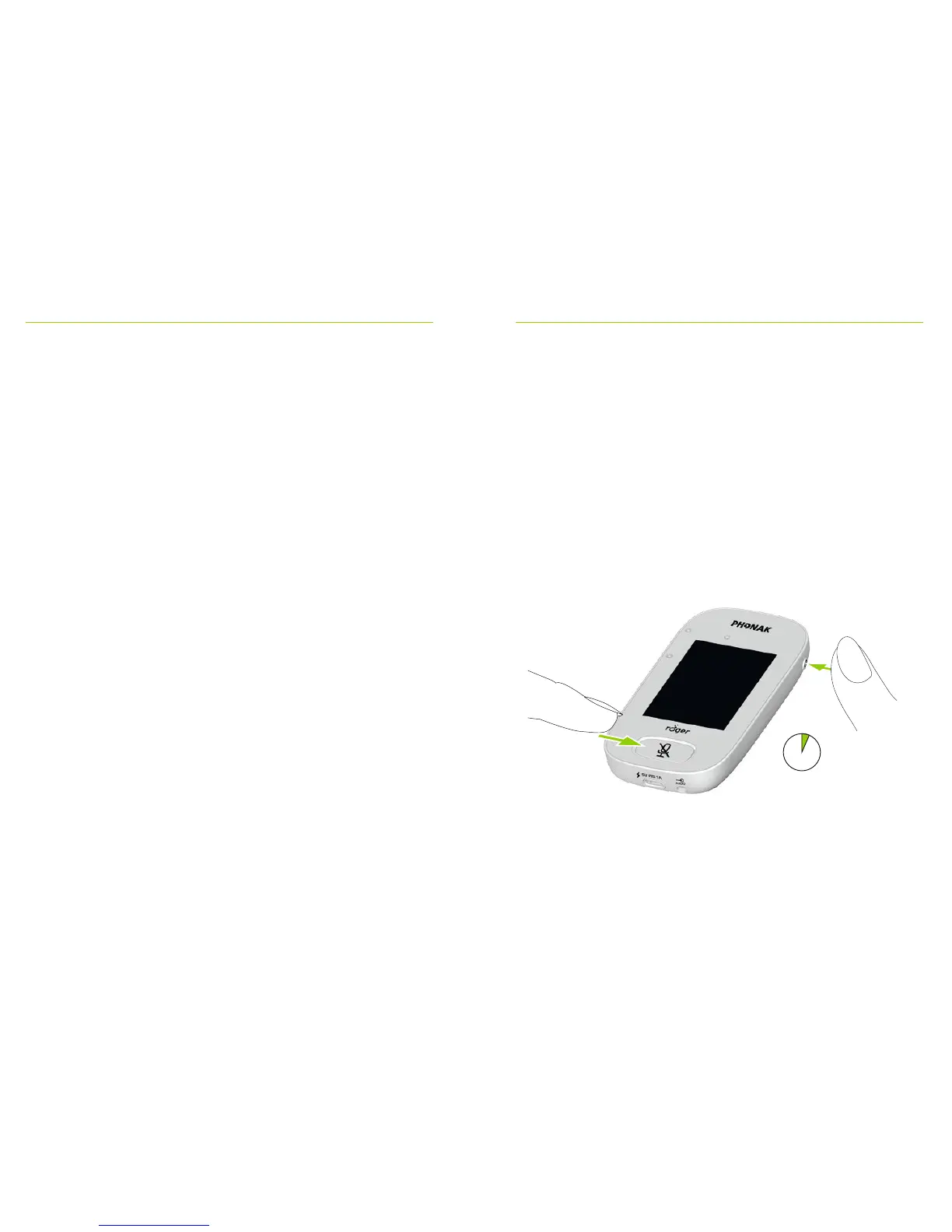
17 Reset the microphone
Cleans up session memory including protection password.
How to use it:
• Press and hold On/O and Mute buttons
simultaneously for at least eight seconds
• Indicator light will blink green and microphone will
automatically reboot (turn o and on again)
> 8 s



 To Next Page