38 39
16.4 Network mode
Should multiple microphone users need to talk to
receivers in the same network, dierent modes are
available:
• Mixing (by default)
• Primary Talker
• Equal Talker
How to use it:
• Select your preferred Network mode
16.4.1 Network mode - Mixing
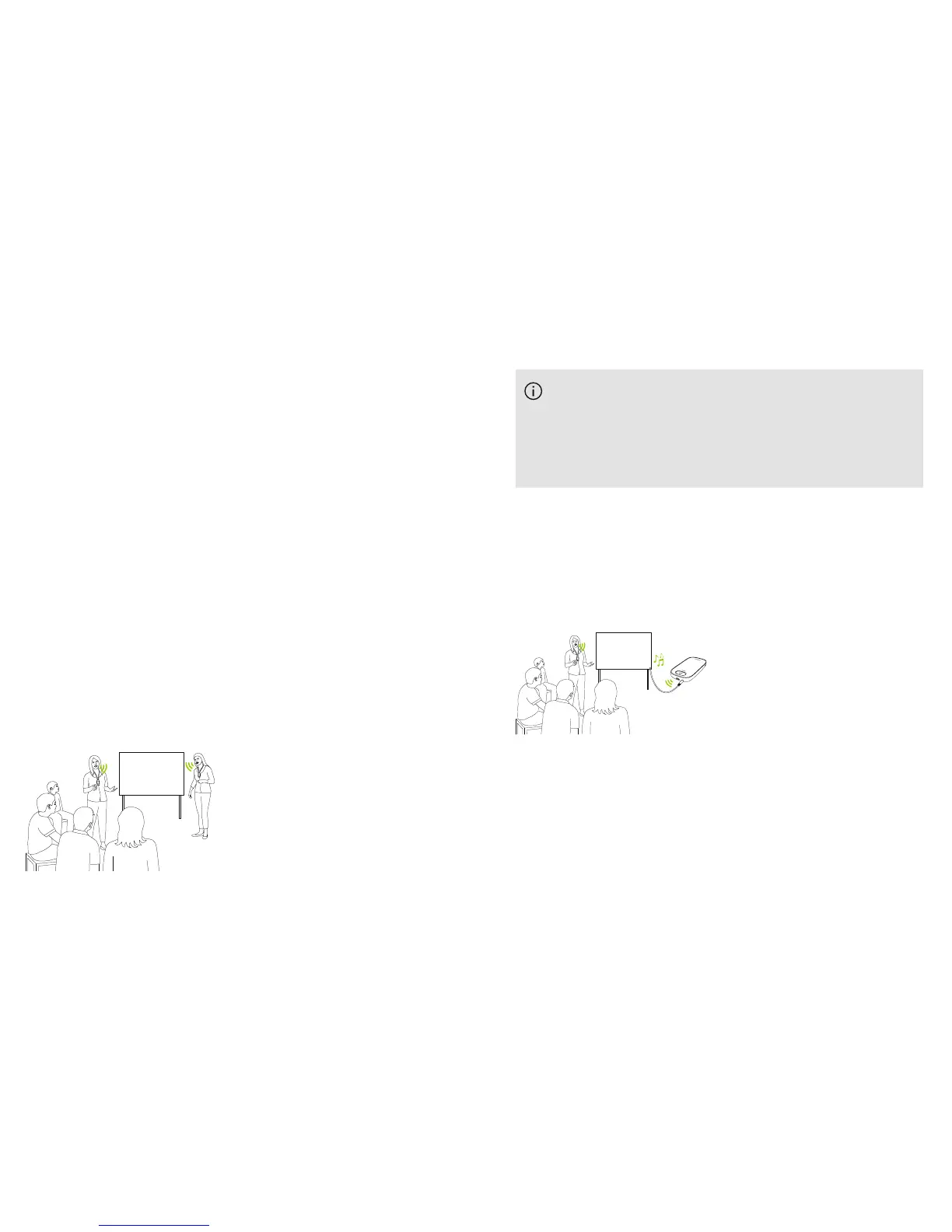
Designed for coteaching situations, where for example a
teacher and a teaching assistant are teaching together.
Both microphones are able to pick up and transmit voice
signals simultaneously.
If a Roger Pass-around is also being used in class,
Mixing mode also applies to this device. If several
Roger Pass-arounds are being used, the rst device
to detect a voice signal will be activated, in “rst in,
rst served” fashion.
Mixing with Roger Multimedia Hub
When a Roger Multimedia Hub transmitter is available in
the network and the talker is wearing Roger Touchscreen
Mic, audio from the Roger Multimedia Hub and the
talker’s voice will be mixed.
16.4.2 Network mode - Primary Talker
Gives the wearer of the “Primary” Roger microphone rst
priority when speaking (also see 16.4.4 Understanding
microphone “roles” in the network).



 To Next Page