EasyManua.ls Logo

Physio Control LIFEPAK 9 - Display PCB;CRT Assembly Removal; Main PCB Removal; Power Conversion PCB Removal

Physio Control LIFEPAK 9
214 pages
Print Icon
To Next Page IconTo Next Page
To Previous Page IconTo Previous Page
Loading...
LIFEPAK
9
defibrillator/monitor
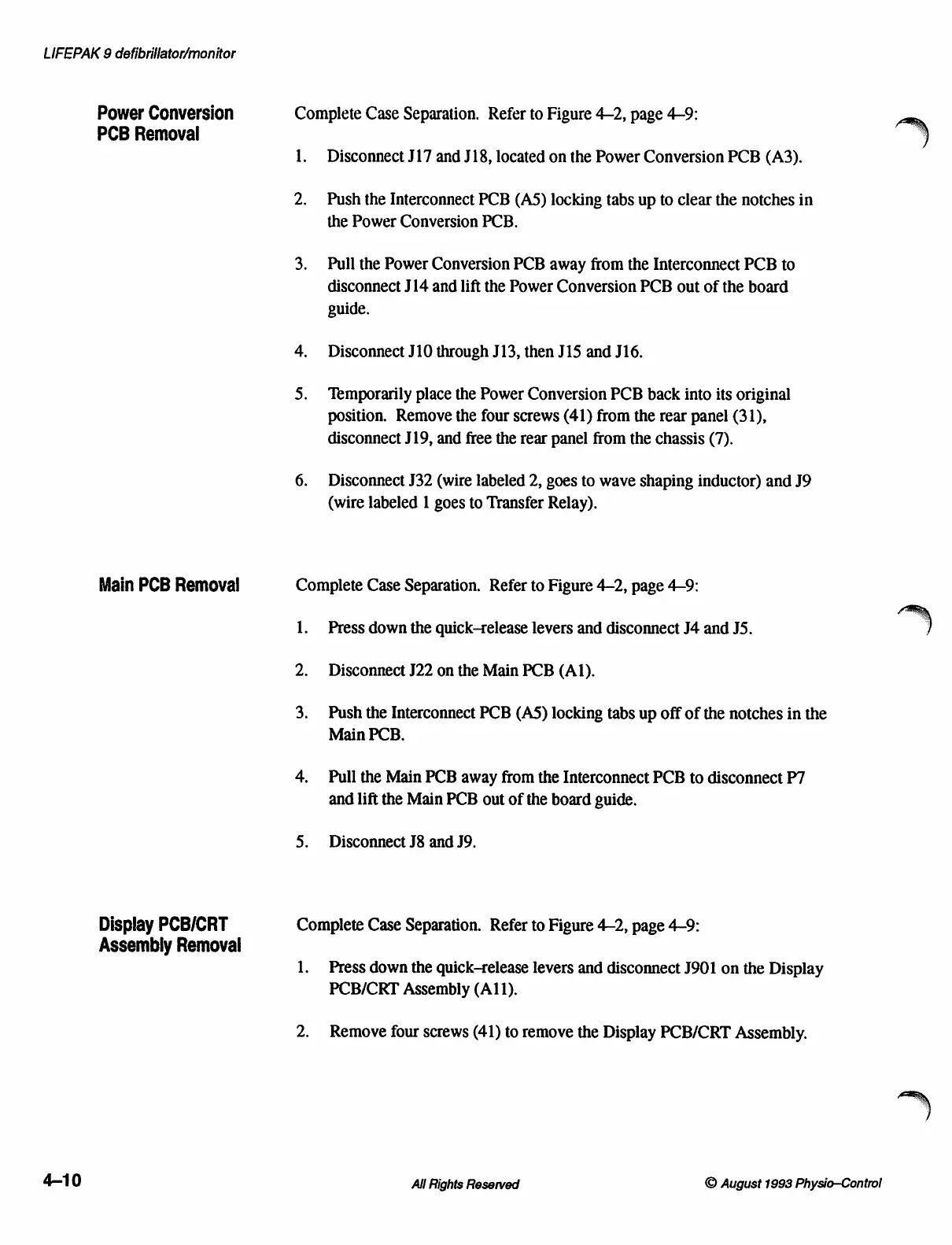
Power
Conversion
Complete
Case
Separation.
Refer
to
Figure
4-2,
page
4-9:
PCB
Removal
1.
Disconnect
J17
and
J18,
located
on
the
Power
Conversion
PCB
(A3).
2.
Push
the
Interconnect
PCB
(AS5)
locking
tabs
up
to
clear
the
notches
in
the
Power
Conversion
PCB.
3.
Pull
the
Power
Conversion
PCB
away
from
the
Interconnect
PCB
to
disconnect
J14
and
lift
the
Power
Conversion
PCB
out
of
the
board
guide.
4.
Disconnect
J10
through
J13,
then
J15
and
J16.
5.
Temporarily
place
the
Power
Conversion
PCB
back
into
its
original
position.
Remove
the
four
screws
(41)
from
the
rear
panel
(31),
disconnect
J19,
and
free
the
rear
panel
from
the
chassis
(7).
6.
Disconnect
J32
(wire
labeled
2,
goes
to
wave
shaping
inductor)
and
J9
(wire
labeled
1
goes
to
Transfer
Relay).
Main
PCB
Removal
Complete
Case
Separation. Refer
to
Figure
4-2,
page
4-9:
1.
Press
down
the
quick-release
levers
and
disconnect
J4
and
JS.
2.
Disconnect
J22
on
the
Main
PCB
(Al).
3.
Push
the
Interconnect
PCB
(A5)
locking
tabs
up
off
of
the
notches
in
the
Main
PCB.
4.
Pull
the
Main
PCB
away
from
the
Interconnect
PCB
to
disconnect
P7
and
lift
the
Main
PCB
out
of
the
board
guide.
5.
Disconnect
J8
and
J9.
Display
PCB/CRT
Complete
Case
Separation.
Refer
to
Figure
42,
page
4-9:
Assembly
Removal
1.
Press
down
the
quick-release
levers
and
disconnect
J901
on
the
Display
PCB/CRT
Assembly
(A11).
2.
Remove
four
screws
(41)
to
remove
the
Display
PCB/CRT
Assembly.
4-10
All
Rights
Reserved ©
August
1993
Physio—Control

Table of Contents

Other manuals for Physio Control LIFEPAK 9

Related product manuals