98 Version: 1.2.1 MS249E C-863.12 Mercury Controller
7.7.2 Commands and Parameters for Macros
Commands
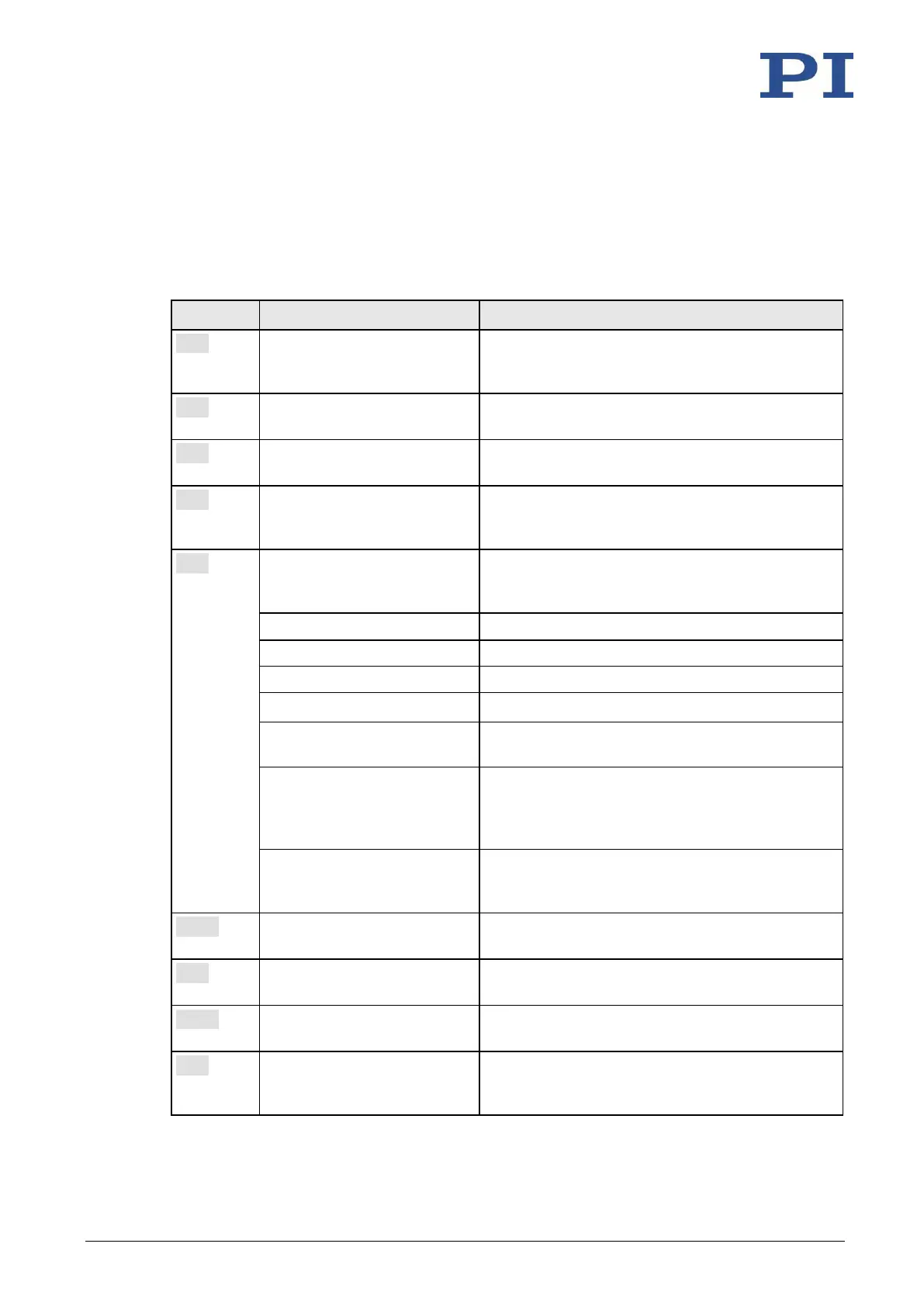
The following commands are available specifically for handling macros or for use in macros:
ADD <Variable> <FLOAT1>
<FLOAT2>
Adds two values and saves the result to a variable
(p. 118). Can only be used for local variables in
macros.
Copies a command response to a variable (p. 118).
Can only be used for local variables in macros.
Can only be used in macros. Delays <uint>
milliseconds.
JRC <Jump> <CMD?> <OP>
<Value>
Can only be used in macros. Triggers a relative
jump of the macro execution pointer depending
on a condition.
Starts the recording of a macro with the name
macro name on the controller. macro name can
consist of up to 8 characters.
Defines the specified macro as the startup macro.
Deletes the specified macro.
Ends the macro recording.
Reports the last error that occurred while the
macro was running.
MAC NSTART <macro name>
<uint> [<String1> [<String2>]]
Starts the specified macro n times in succession (n
= number of times). The values of local variables
can be set for the macro with <String1> and
<String2>.
MAC START <macro name>
[<String1> [<String2>]]
Runs the specified macro. The values of local
variables can be set for the macro with <String1>
and <String2>.
Lists all macros or the content of a specified
macro.
Can only be used in macros. Stops the macro
execution depending on a condition.
Lists macros which are currently running.
Sets a variable (p. 118) to a certain value or
deletes it. Can only be used for local variables in
macros.



 To Next Page