Damage due to disabled limit switch evaluation!
The collision of a moving part at the end of the travel range, or with an obstacle, as well as high
acceleration, can cause damage to or considerable wear on the mechanics.
➢ Avoid motion in open-loop operation.
➢ If motion in open-loop operation is necessary:
− Set the control value with the SMO command so that the axis moves with low velocity.
− Stop the axis in time. For this purpose, use the #24, STP or HLT command, or set the
control value to zero with the SMO command.
➢ Do not disable the evaluation of the limit switches by the C-863.12 via parameter setting.
➢ Check the function of the limit switches at about 10 % to 20 % of the maximum velocity.
➢ In the event of a malfunction of the limit switches, stop the motion immediately.
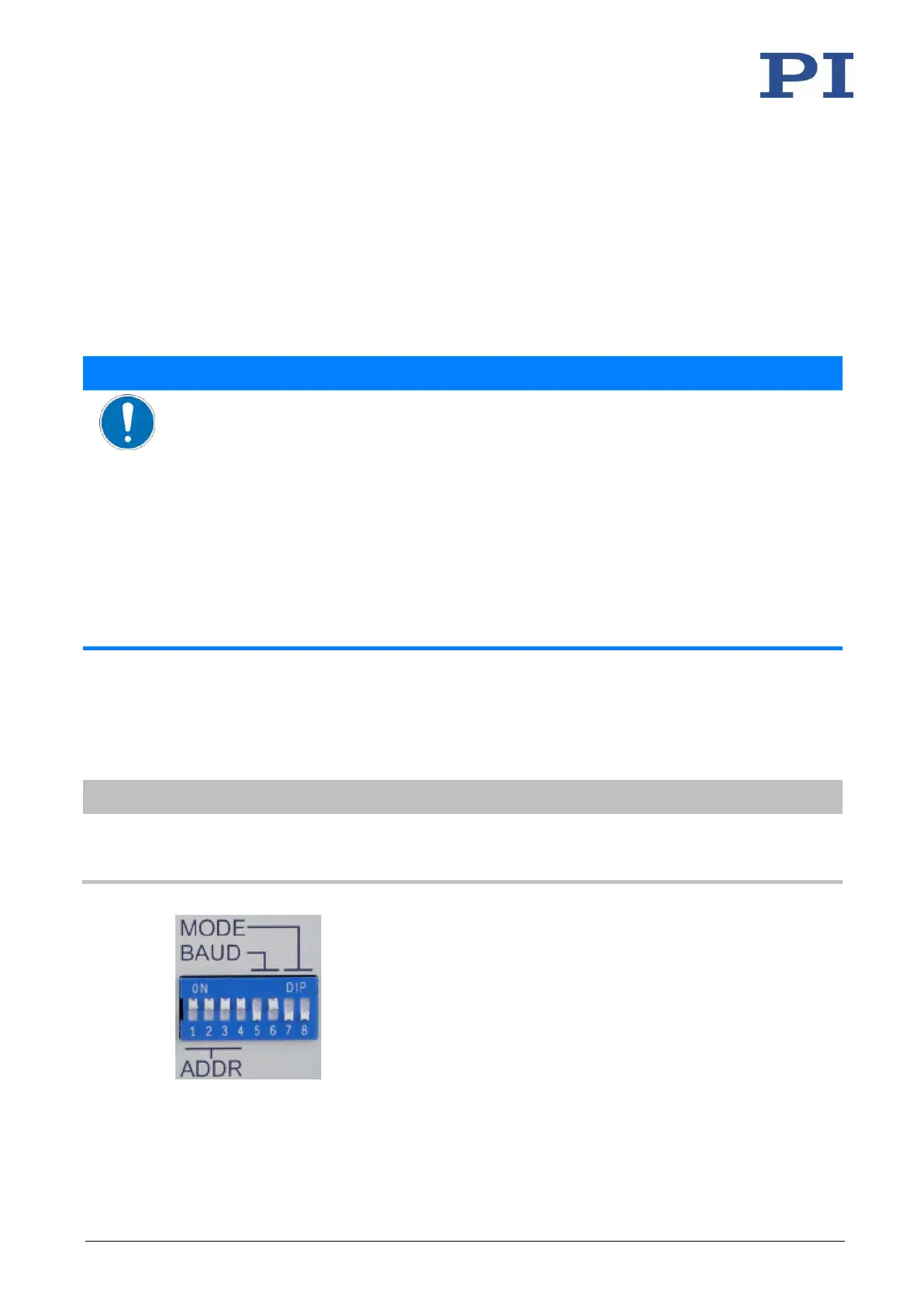
Changed DIP switch settings become effective after the C-863.12 is switched on.
➢ If you have changed the DIP switch settings while the C-863.12 was switched on, switch the
C-863.12 off and back on again to activate the new settings.



 To Next Page