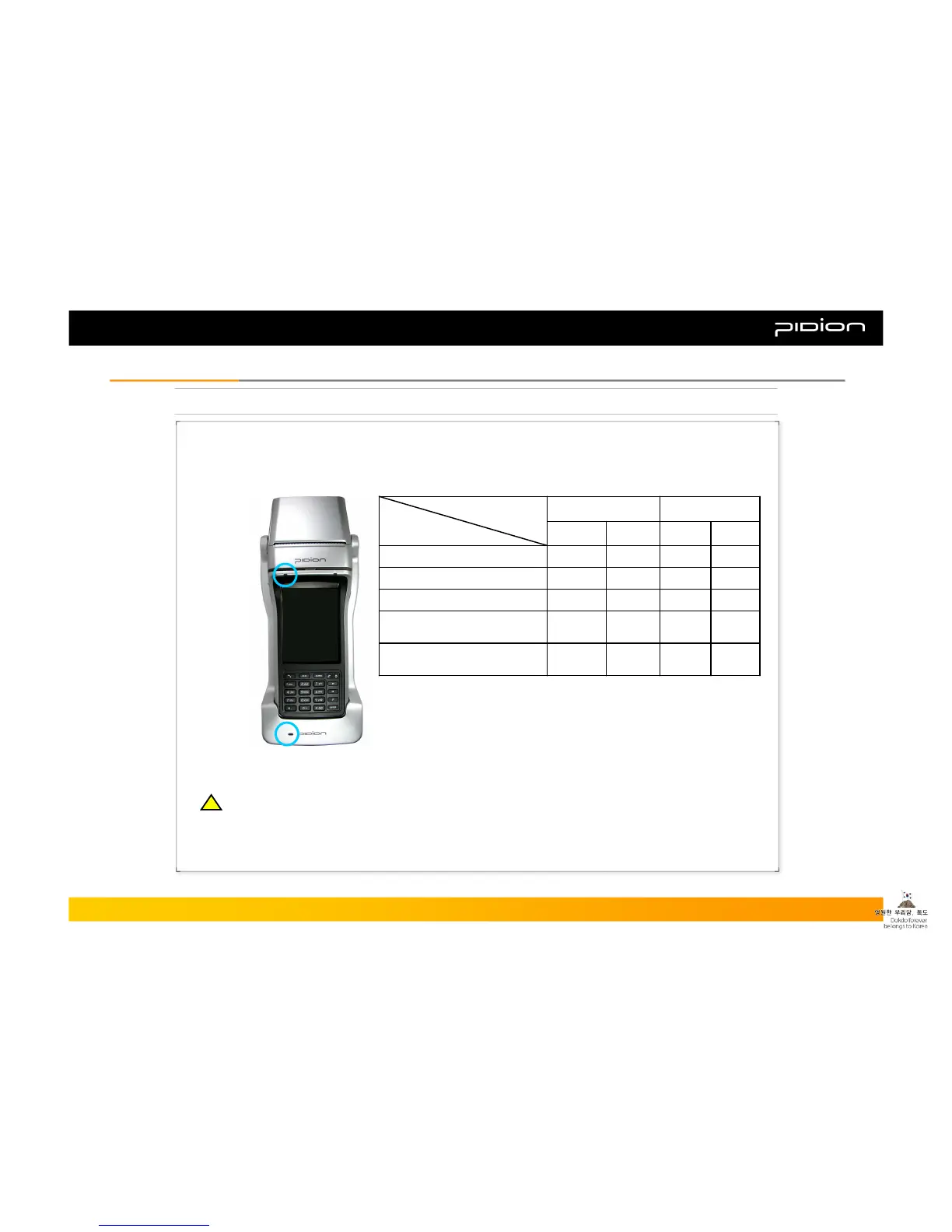
7. About Batteries
Charge Alert
Lamp on PDA
Charge Alert
Lamp on
Cradle
▪ When the PDA and extra battery are attached together in the cradle, the extra battery charges after the
PDA is completely charged. Therefore, it may need extra time in order to charge the extra battery when the
PDA and extra battery are placed together in the cradle.
▪ Status of Lamps during Charging
GreenGreenOrangeGreenPDA and Battery attached to
the Cradle (Charging Battery)
GreenGreenOrangeOrangePDA and Battery attached to
the Cradle (Charging the PDA)
GreenOrangeBattery attached to the Cradle
GreenOrangePDA attached to the Cradle
GreenOrangePDA Phone
CradlePDACradlePDA
CompletedChargingCharge Alert Lamp
Cases
※ When the Charge Alert Lamp on the cradle blinks orange, you
must detach the battery and place it again. This will occur when the
battery is not properly attached to the cradle.
※ Since batteries are consumable goods, the maximum time you can use the
PDA will gradually decrease over time. If the usage time drops in half we
recommend that you purchase a new battery.
(Batteries are under warranty for 6 months from time of purchase.)
Copyright © 2006 Bluebird Soft, Inc. All Rights Reserved. < 10 >
BIP-1300
I. Knowing the ProductI. Knowing the Product
※ The maximum duration of the battery can be changed according to the service of wireless providers,
temperature of surroundings when in use, and the total period of battery use. Batteries will also be drained
when using functions like the magnetic card reader, printer, IC card reader, Internet etc. and when used in
areas without wireless service for an extended period of time.
!!



 To Next Page