1. Using Barcode Reader
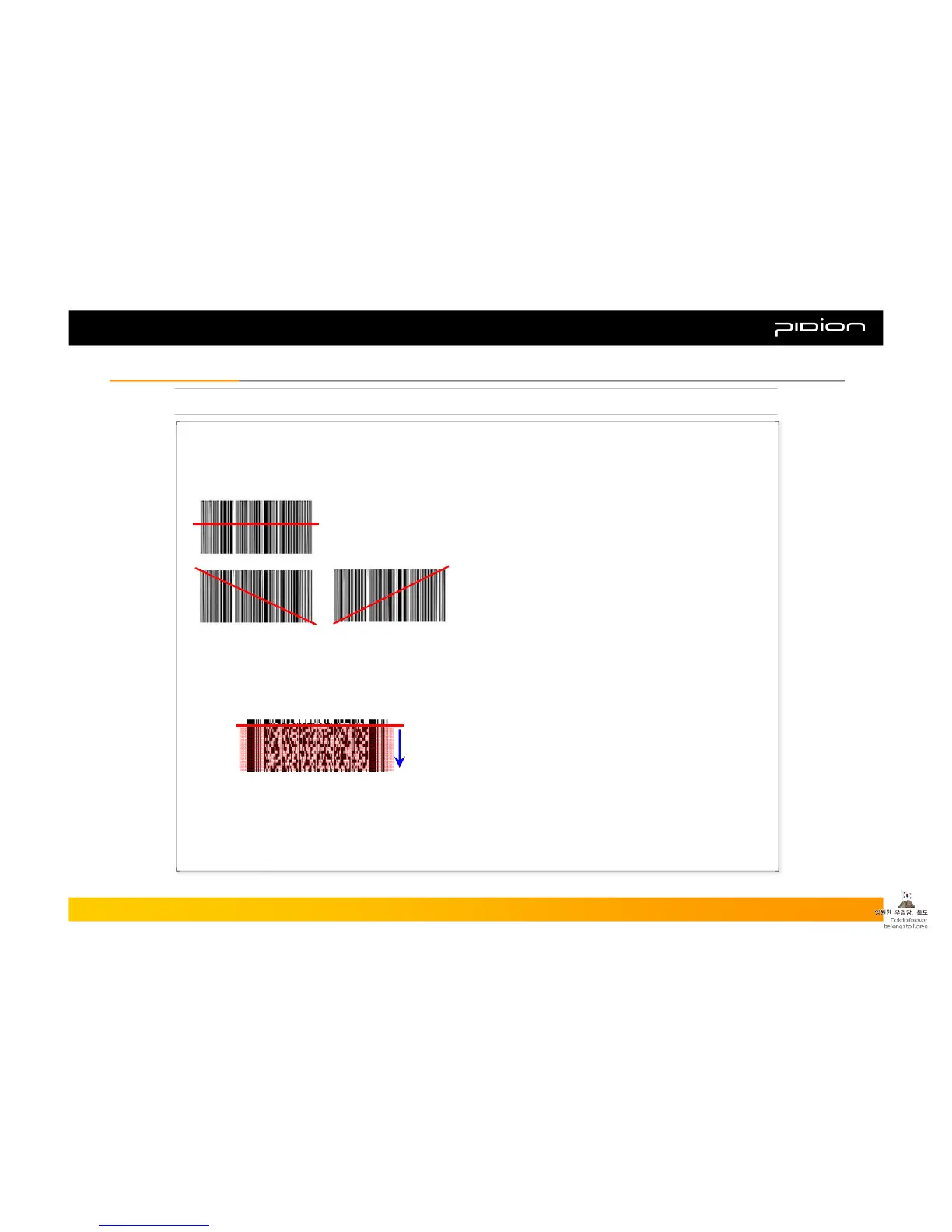
As shown in the pictures below, place the PDA towards the barcode and press the left/right button.
▪ The barcode can be read from any angle (corner).
▪ For PDF417, you have to scan the barcode from
top to bottom or vice versa.
▪ The barcode can be read by scanning in the same
direction of the barcode (Diagonally not vertically).
Copyright © 2006 Bluebird Soft, Inc. All Rights Reserved. < 23 >
BIP-1300
III. FunctionsIII. Functions



 To Next Page