3. Starting the PDA
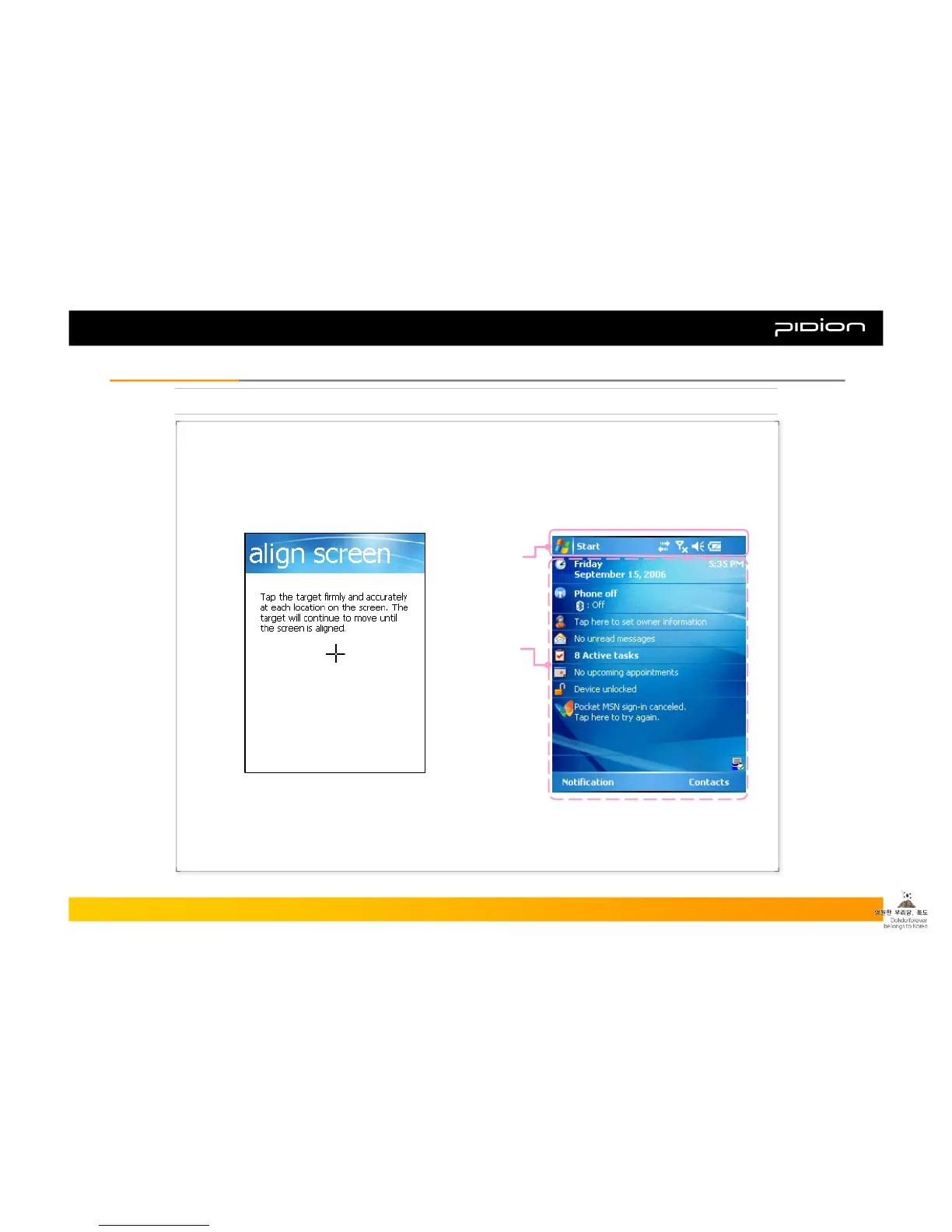
[Adjusting the Screen]
[Windows Mobile Starting Screen]
▪ Optimize the screen input by using the Stylus Pen
on the LCD screen.
▪ When you press the middle of the cross in the center using
the Stylus Pen, the target moves. Press it again precisely
with the Stylus Pen.
▪ Once you complete the initial wizard, you will
see the starting screen as shown below.
Title Bar
Today’s
Section
Copyright © 2006 Bluebird Soft, Inc. All Rights Reserved. < 15 >
BIP-1300
II. Learning the BasicsII. Learning the Basics



 To Next Page