4. Using Bluetooth
You can launch Bluetooth devices (Bluetooth printer, card reader, etc.) separately from the PDA.
Devices and connections of Bluetooth can be setup.
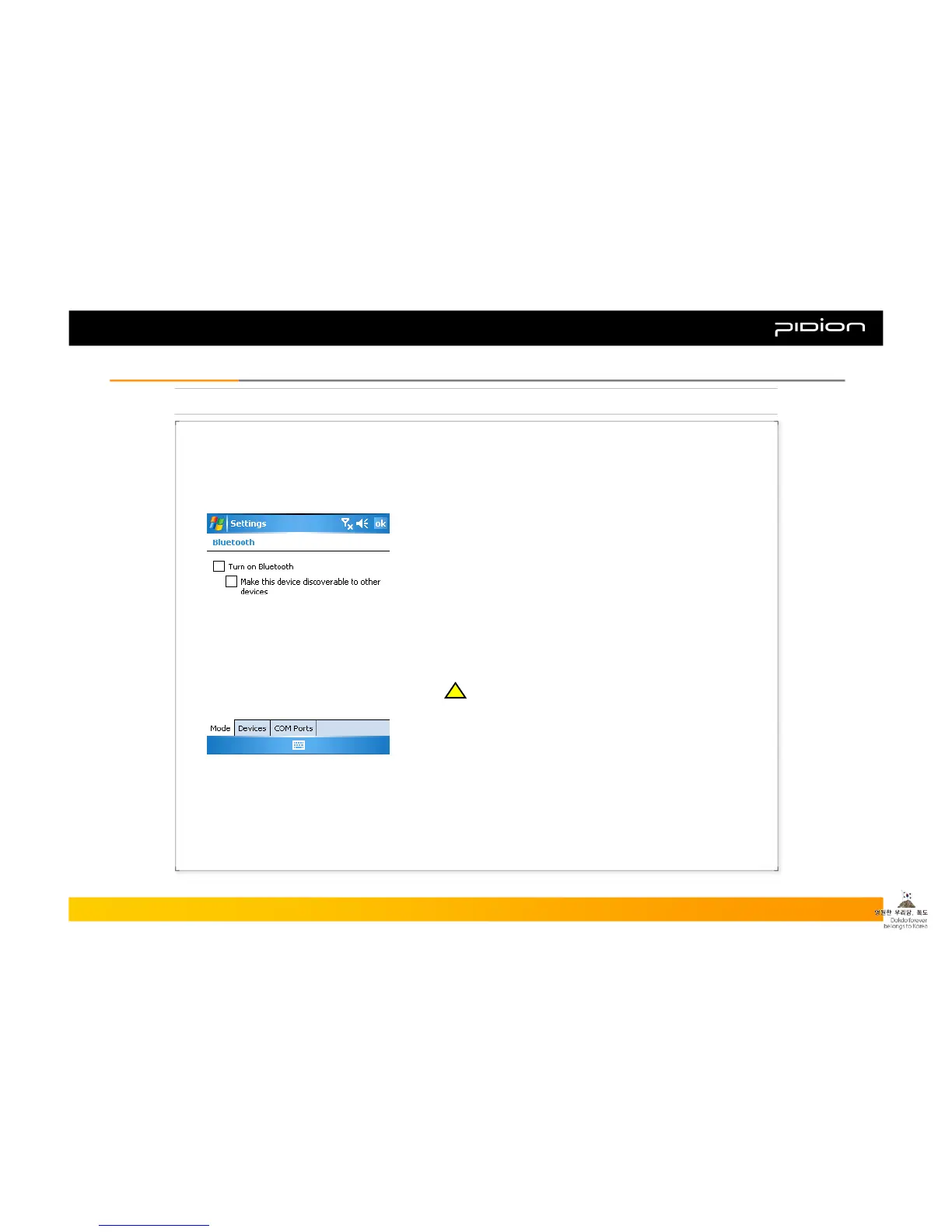
▪ Example of Using Bluetooth:
① Steps: [Start] -> [Settings]
② Press [Connections] tab and select [Bluetooth]
③ Check ‘Turn on Bluetooth’ from the [Mode] tab, and
click [OK]
※ Please select OFF when Bluetooth is not in use.
You can save the battery by doing so.
▪ Turn on Bluetooth
- By checking or un-checking Bluetooth it will indicate
whether it is in use or not.
▪ Setting up so other devices can find your device
- When Bluetooth is in use, other devices can search
BIP-1300.
Copyright © 2006 Bluebird Soft, Inc. All Rights Reserved. < 28 >
BIP-1300
III. FunctionsIII. Functions
!!



 To Next Page