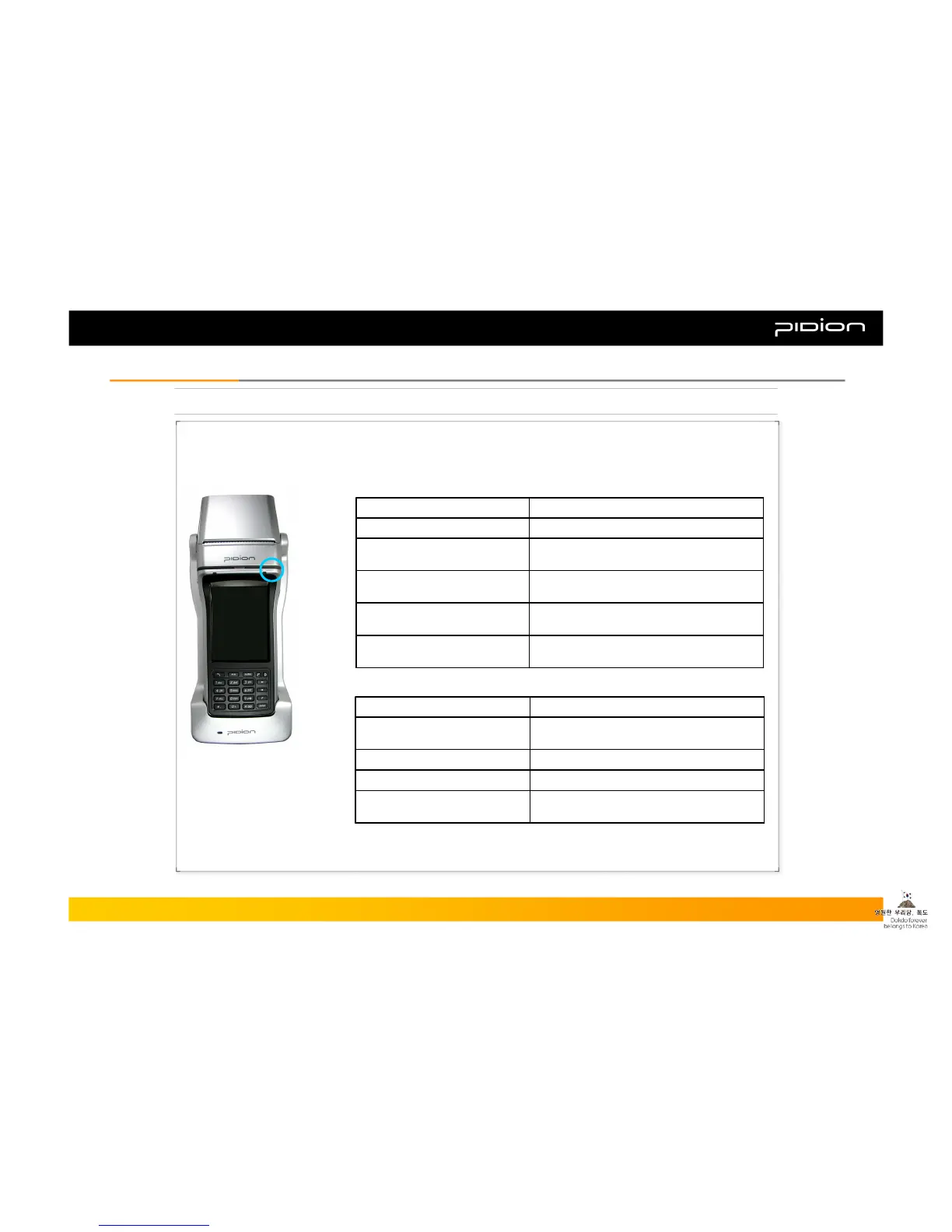
8. Connection Status Alerts
GSM/
CDMA
Connection
Status
Alert
Lamp
The PDA phone function is ON. However, GSM
connection is not supported in this area
Green Lamp, On
Indicates trouble with GSM connectionGreen Lamp, Blinking very Fast
(0.2 second intervals)
GSM connection is on - In between a phone
conversation or data communication
Green Lamp, Blinking Faster
(0.6 second intervals)
GSM connection is on - Able to have phone
calls in this area
Green Lamp, Blinking Slowly
(2 second intervals)
GSM connection is turned offGreen Lamp, Out
GSM connection is turned on
On the phone in conversation or data
communication
Green Lamp, On
Sending/Receiving of SMS
Green Lamp, Blinking Faster
Modem is on and can have phone calls
Green Lamp, Blinking
Modem is off or the area is unable to have
phone calls
Green Lamp, Out
CDMA 1xEVDO connection established
▪ Among the PDAs supporting GSM or CDMA 1xEVDO connection, you may check the connection status at
the GSM/CDMA Status Alert Lamp located on the upper right-hand corner of the PDA.
▪ PDAs Supporting GSM - GSM Status Alert Lamp’s Status Quo
▪ PDAs Supporting CDMA 1xEVDO, CDMA 1xEVDO Status Alert Lamp’s Status Quo
※ Status of wireless LAN is not indicated by the lamp.
Copyright © 2006 Bluebird Soft, Inc. All Rights Reserved. < 11 >
BIP-1300
I. Knowing the ProductI. Knowing the Product



 To Next Page