6. Using USB Host
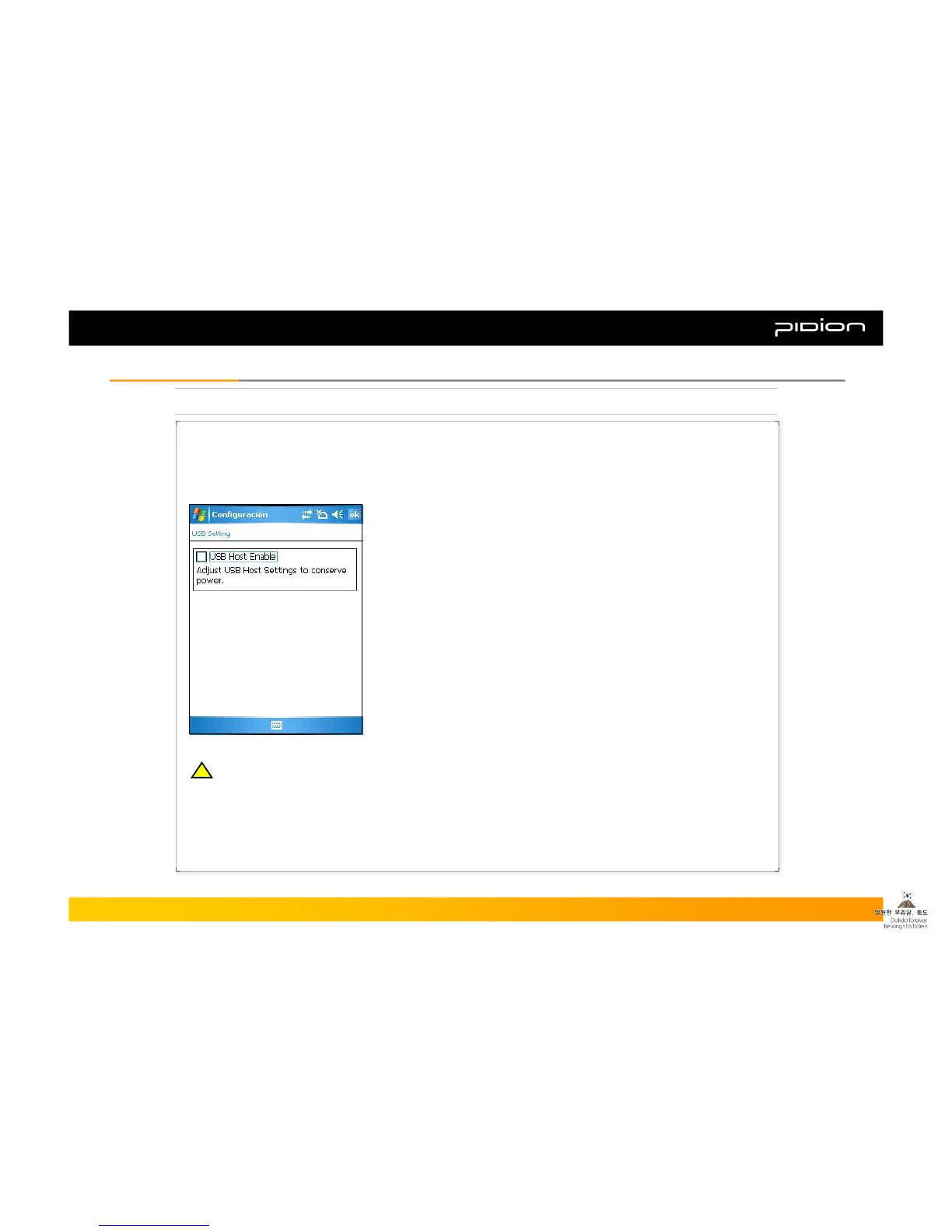
In order to use the USB HOST function, you need to follow the setup below.
▪ Example of using USB Host function
① Click Windows button and follow the steps below
② [Settings]→[System]
③ Click [Power] tab then select [USB Host]
④ Check [USB Host Enable]
※ Not using the USB Host function will greatly save on the battery.
▪ You can connect multiple USB devices to the PDA
by using the USB Host.
(You have to connect the USB Host Cable (sold separately)
to the 24-pin connector)
Copyright © 2006 Bluebird Soft, Inc. All Rights Reserved. < 31 >
BIP-1300
III. FunctionsIII. Functions
!!



 To Next Page