6. Using SD Memory Card
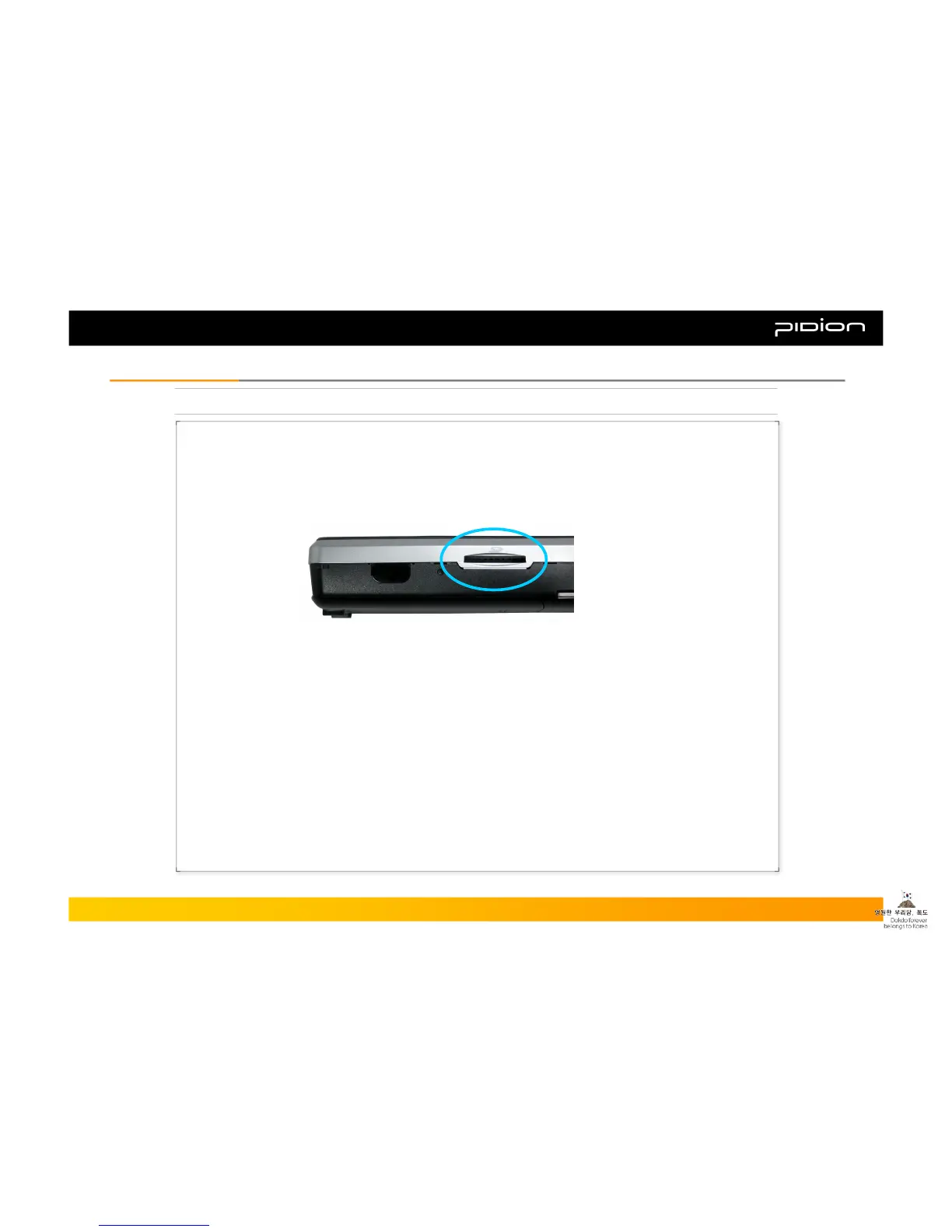
SD Card Slot
*SD Card is a subminiature flash drive used for storing and moving data, etc.
▪ Inserting SD Card: Push in the memory card in the direction of the arrow indicated on the SD Card slot
until it is safely placed within the slot.
▪ Removing SD Card: If you push the memory card fully in, it will partially pop out. You can then remove
the card by pulling on the exposed part.
Copyright © 2006 Bluebird Soft, Inc. All Rights Reserved. < 20 >
BIP-1300
II. Learning the BasicsII. Learning the Basics



 To Next Page