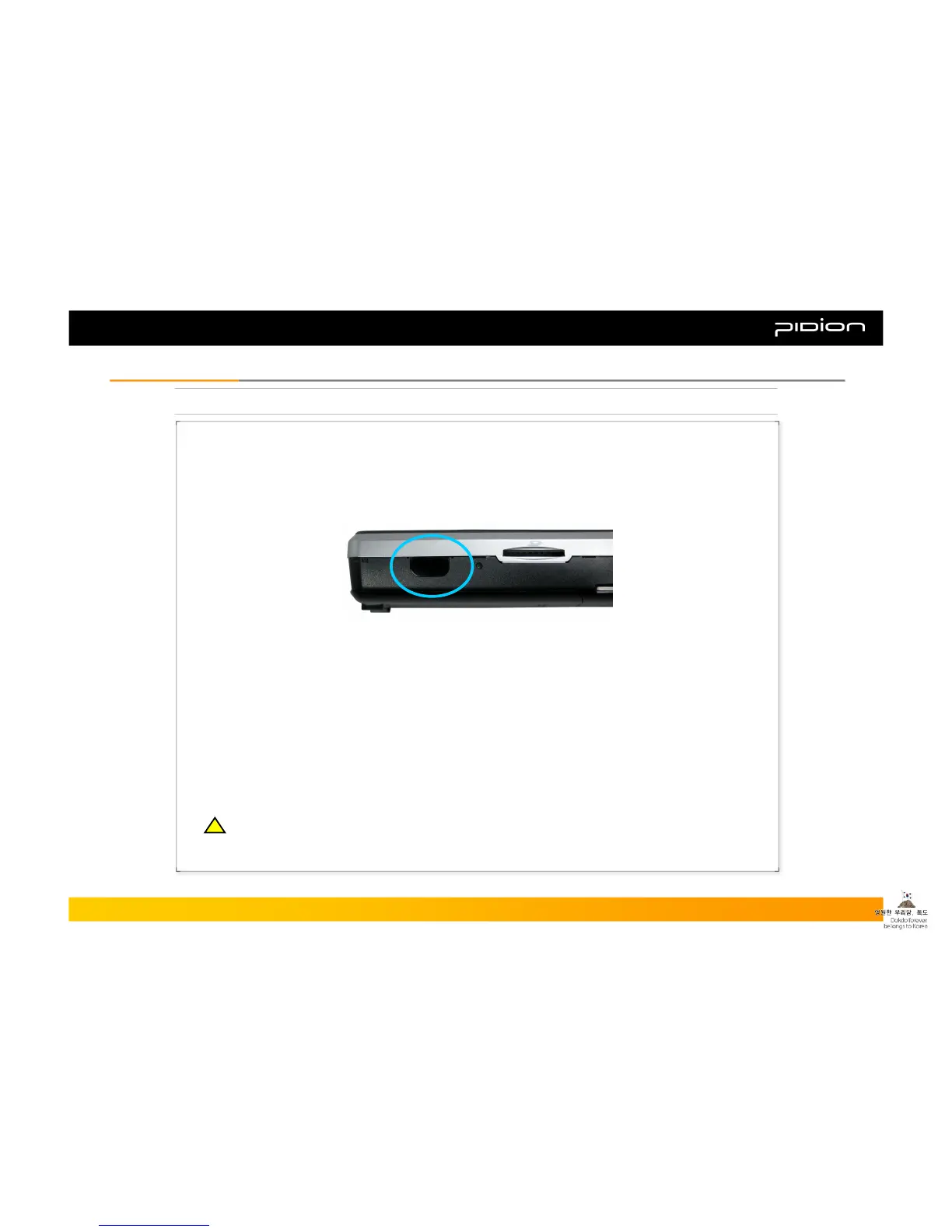
3. Using Infrared Port (IrDA)
You can network with computers and other devices with the PDA. This makes it possible to send and
receive files and programs.
▪ Place the IrDA (Infrared Port) close (within 30cm) to the IrDA of another device face-to-face.
▪ Example of using IrDA:
① Steps: [Start] -> [Settings]
② Press [Connection] tab, and select [Wireless Communication]
③ Check on “Accept All Incoming Transmissions” and click [OK]
④ Find the other’s infrared port
⑤ Verify the data to be sent and choose [OK]
IrDA (Infrared Port)
DA
※ The closer the ports are, the faster the connection will be.
Copyright © 2006 Bluebird Soft, Inc. All Rights Reserved. < 27 >
BIP-1300
III. FunctionsIII. Functions
!!



 To Next Page