2. Using Camera
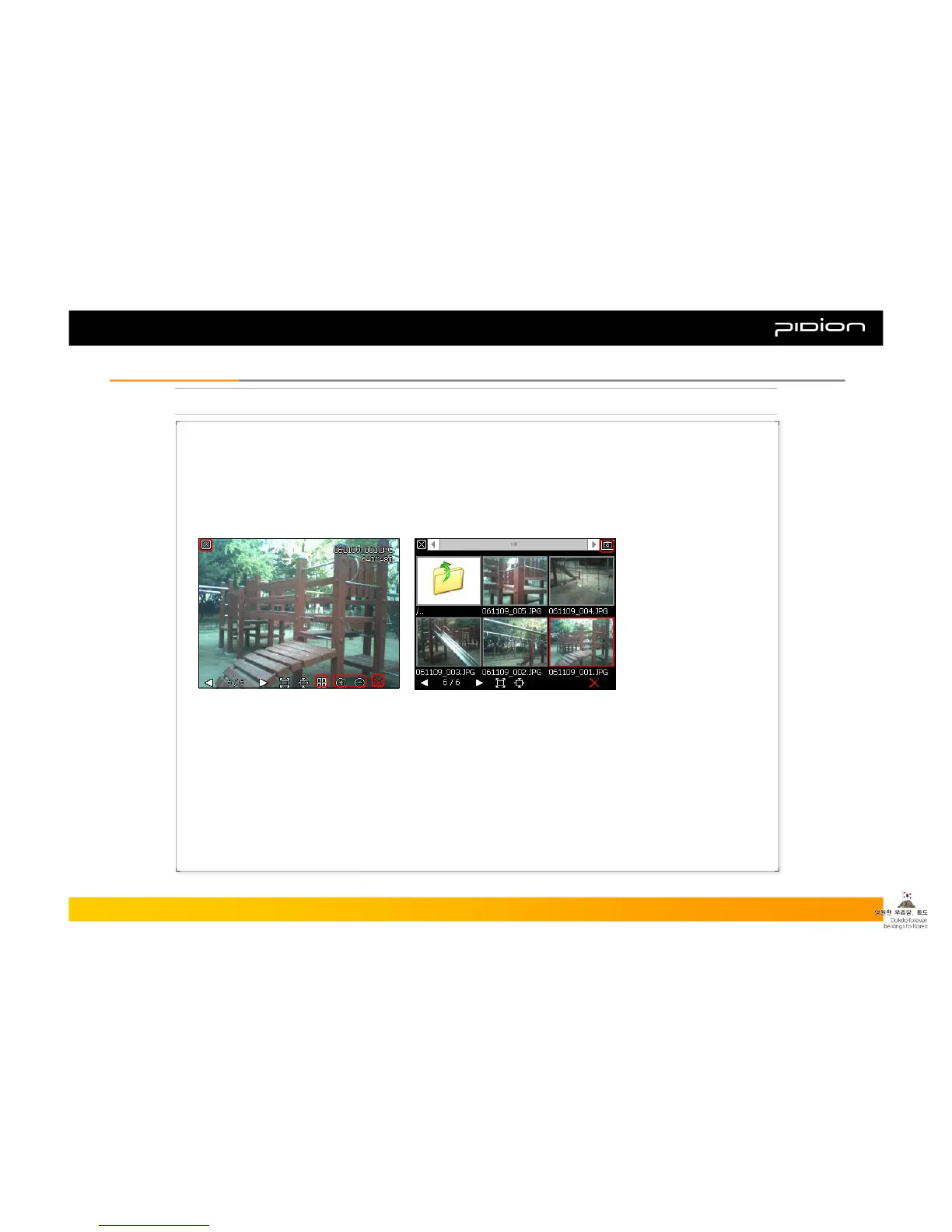
[Launching the Photo Album]
▪ Go to [Start] → [Programs]
Then launch [ImageViewer] program
▪ Or touch the [Viewer] button on the upper left corner of the camera screen.
▪ Set Screen
① Close Photo Album
② Go to the List of Photos
③ Zoom In/Out
④ Delete Picture
⑤ Go back to Camera Mode
⑤
②
①
③
④
Copyright © 2006 Bluebird Soft, Inc. All Rights Reserved. < 26 >
BIP-1300
III. FunctionsIII. Functions



 To Next Page