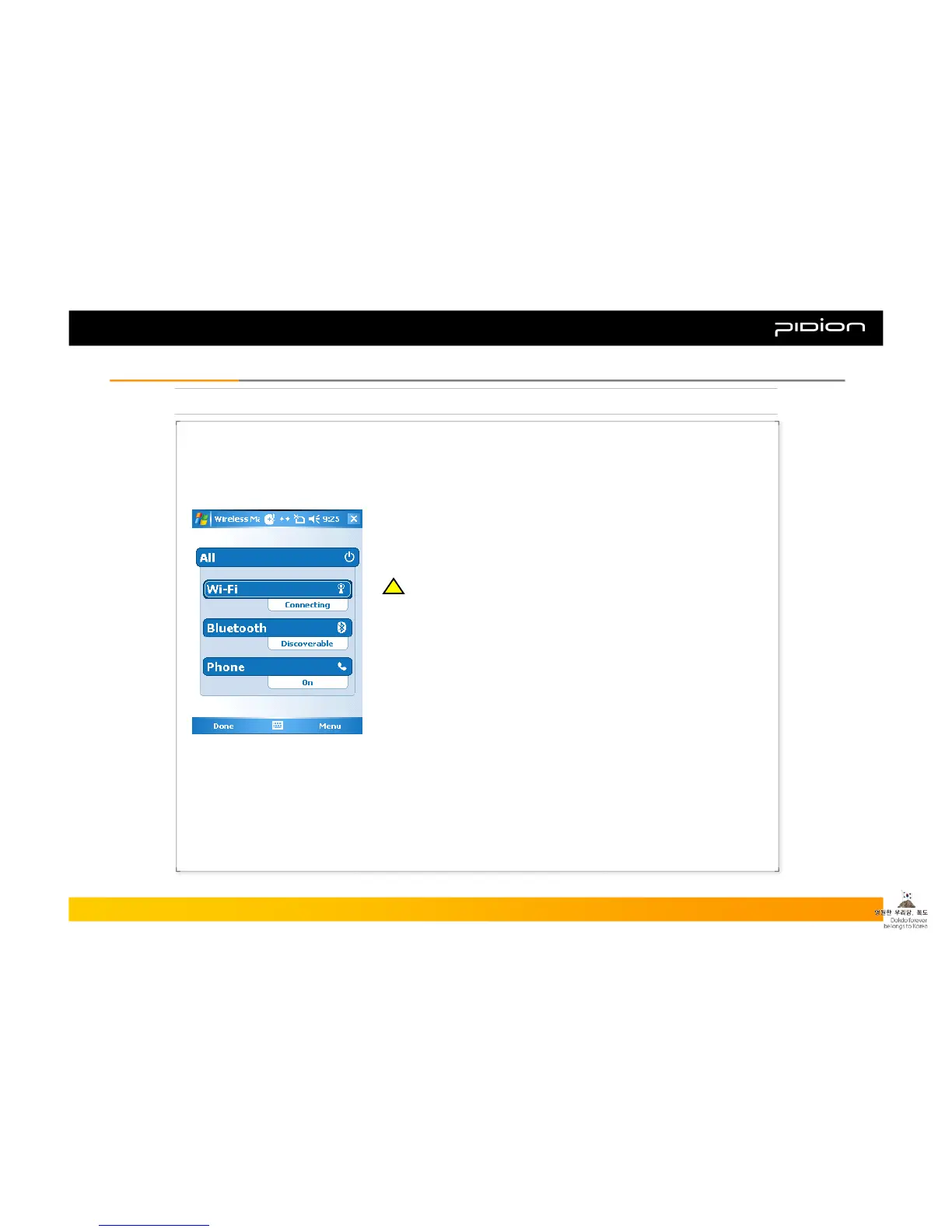
5. Using Wireless Admin
As an overall wireless administration, you can set up Bluetooth and Wi-Fi (Wireless LAN)
easily and conveniently.
▪ Example of using Wireless Admin:
① Step: [Start] -> [Settings]
② After going to [Connections] tab, select [Wireless Admin]
③ Select ‘Wi-Fi’ or ‘Bluetooth’ button
※ The items Wireless Admin supports can differ due to the network
spec of the PDA.
※ Using the ‘Select All’ button you can turn on/off all the features
simultaneously, and you can also turn on/off individual features using
‘Wi-Fi,’ ‘Bluetooth,’ and ‘send’ button.
※ When you turn on ‘Wi-Fi’ or ‘Bluetooth,’ there will be additional
detailed settings shown below the name of the function. You can set it
individually through the menu button at the bottom even after it is
turned off.
Copyright © 2006 Bluebird Soft, Inc. All Rights Reserved. < 30 >
BIP-1300
III. FunctionsIII. Functions
!!



 To Next Page