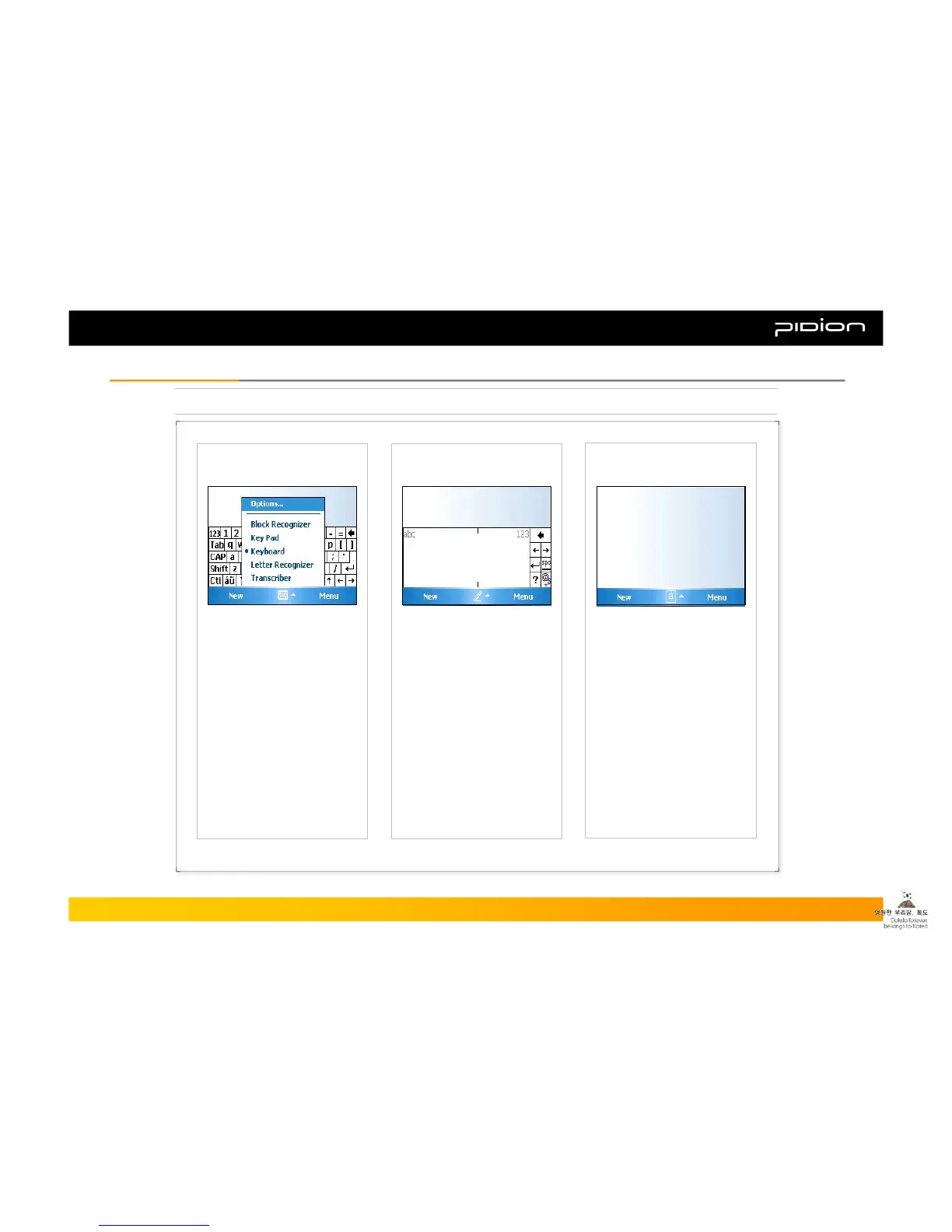
[ Selecting Text Input Mode ]
[ Block Recognizer ]
[ Built-in Numeric Keypad ]
5. Typing
Copyright © 2006 Bluebird Soft, Inc. All Rights Reserved. < 19 >
BIP-1300
II. Learning the BasicsII. Learning the Basics
Using Keypad, you can type
letters, punctuations,
numbers, and other
Special characters
into the text entry fields
or other applications
available on your PDA.
There are five different
character input
methods available:
1. Block Recognizer
2. Built-in Numeric Keypad
3. Keyboard
4. Letter Recognizer
5. Transcriber
This input method uses the
traditional writing area box
split in the middle.
The left side is used to write
letters and the right side is
for number entries.
Symbols and common
functions are located in other
smaller boxes located in the
right of the writing box area.



 To Next Page