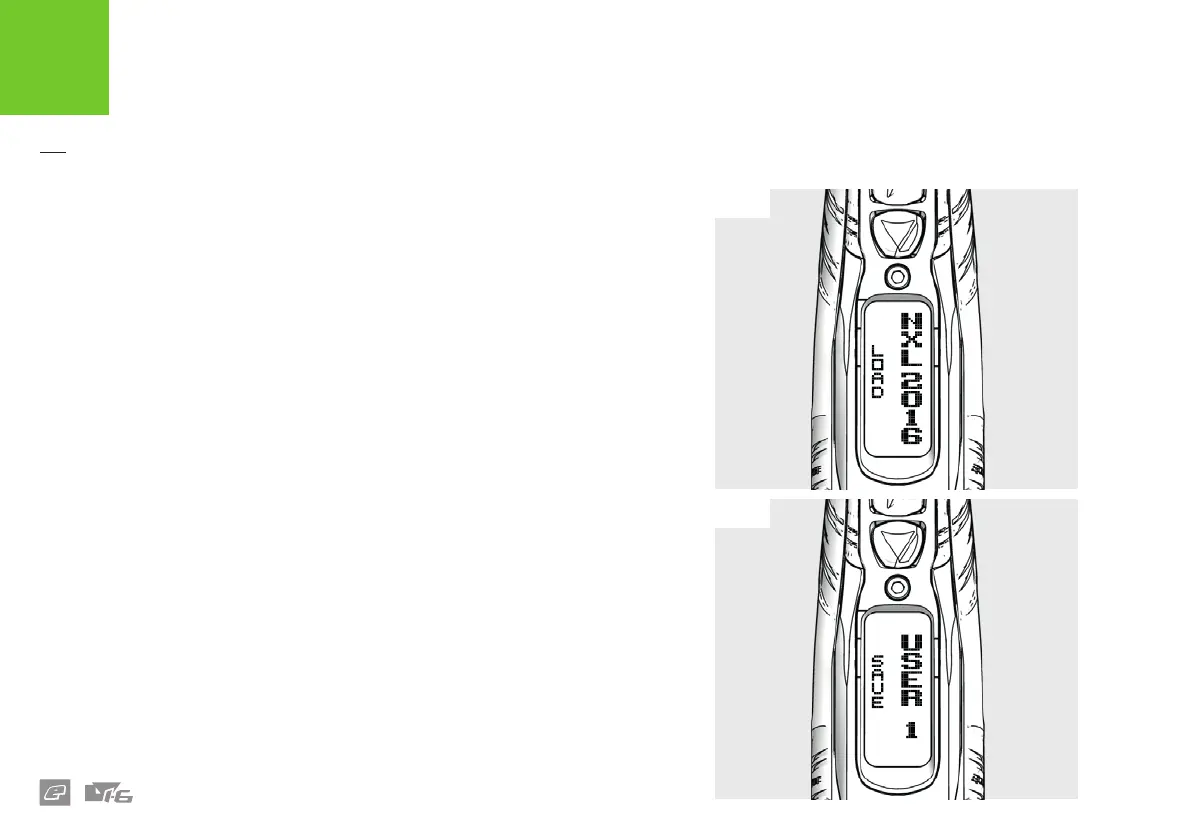
FIG-1
FIG-2
26
AVAILABLE PRESETS
The default list of presets are listed below:
> FACTORY: Default factory settings.
> SEMI NC: Uncapped semi-automatic.
> SEMI 10: Semi-automatic capped at 10 bps.
> NXL 2016: Ramping capped at 10.2 bps compliant with 2016 NXL Rules.
> PSP 2015: Ramping capped at 10.2 bps compliant with 2015 PSP Rules.
> RETRO: NXL style ramping capped at 5.5 bps.
> USER 1: User dened preset
> USER 2: User dened preset
Note: To restore your marker to how it was when it left the factory simply load the
FACTORY settings then make the adjustments outlined on page 42.
FIG-1 LOAD PRESET PARAMETERS
Enter the PRESETS menu
1, 2
, push LOAD then scroll to the desired preset option (listed
above).
FIG-2 SAVE PRESET PARAMETERS
Enter the PRESETS menu
1, 2
, push SAVE then select USER 1 or USER 2 to save your
current user dened marker settings.
1 Some presets may only be available in certain countries and on some models of the LV1.6.
2 All presets are correct at the time of printing.
ELECTRONICS
USER INTERFACE PARAMETERS















 To Next Page