User Manual of WAP-200N/WBS-200N
-25-
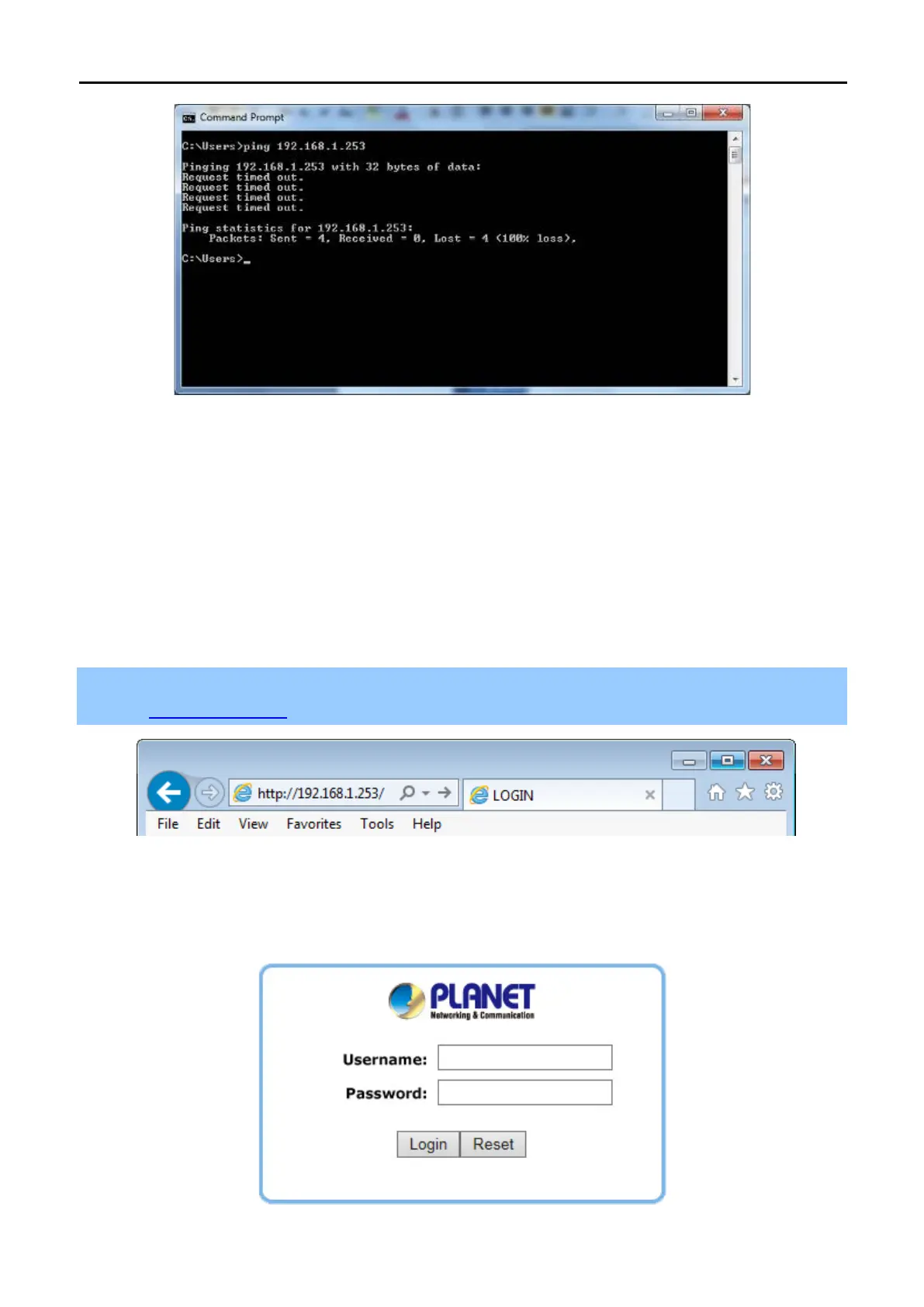
Figure 4-4 Failed result of Ping command
If the address is 0.0.0.0, check your adapter installation, security settings, and the settings on your AP. Some
firewall software programs may block a DHCP request on newly installed adapters.
4.2 Starting Setup in the Web UI
It is easy to configure and manage the WBS-200N or WAP-200N with the web browser.
Step 1. To access the configuration page, open a web browser and enter the default IP address
http://192.168.1.253 in the web address field of the browser.
Figure 4-5 Login by default IP address
After a moment, a login window will appear. Enter admin for the User Name and Password, both in lower case
letters. Then click the OK button or press the Enter key.
Figure 4-6 Login Window



 To Next Page