User Manual of WAP-200N/WBS-200N
-31-
5.1.3 WDS Access Point (WDS AP)
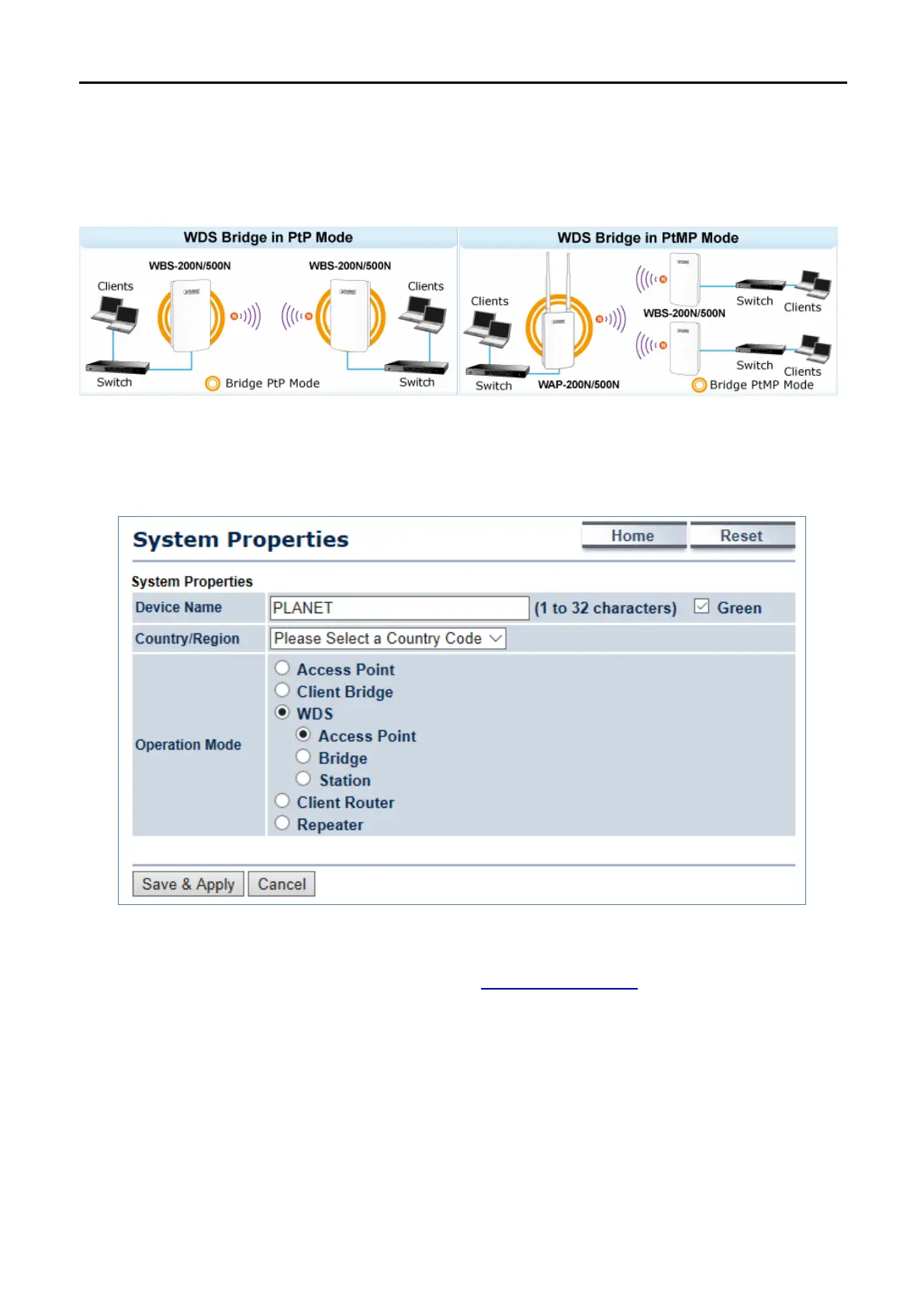
This section allows you to configure the WDS AP mode. In this mode, the device is acting as master AP in the
WDS connection.
Go to the “System Operation Mode” page to configure the device as “WDS Access Point” and then go to
“Wireless
Wireless Network” to configure the related wireless settings.
Figure 5-4 Operation Mode – WDS AP
For the configuration example, please refer to the section “
Appendix C: FAQ, Q2”.



 To Next Page