User Manual of WAP-200N/WBS-200N
-29-
5.1.1 Access Point (AP)
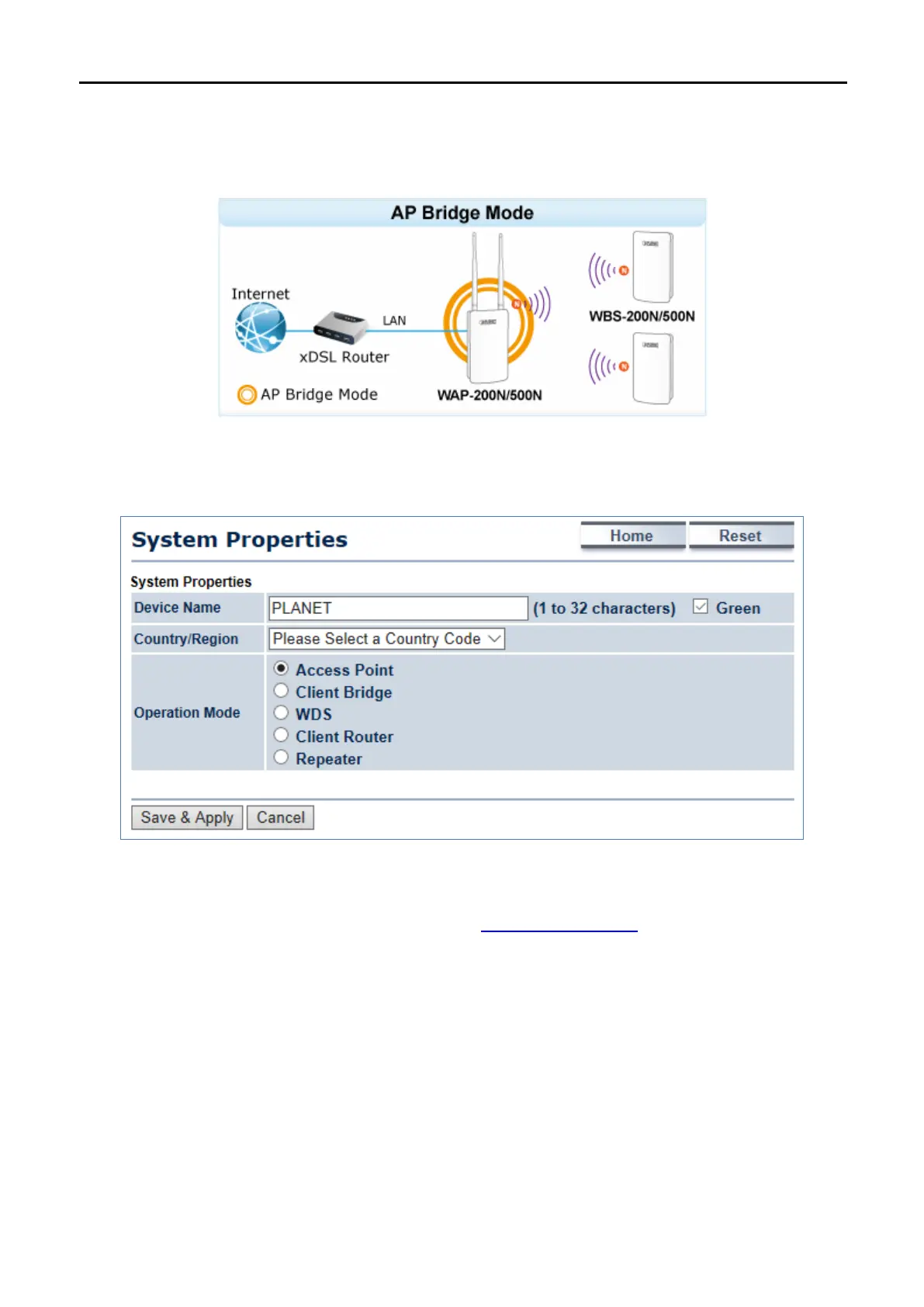
This section allows you to configure the AP Bridge mode to provide wireless connectivity for wireless clients.
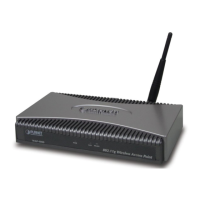
Go to the “System Operation Mode” page to configure the device as “Access Point” and then go to
“Wireless
Wireless Network” to configure the related wireless settings.
Figure 5-2 Operation Mode – AP
For the configuration example, please refer to the section “
Appendix C: FAQ, Q1”.



 To Next Page