User Manual of WAP-200N/WBS-200N
-74-
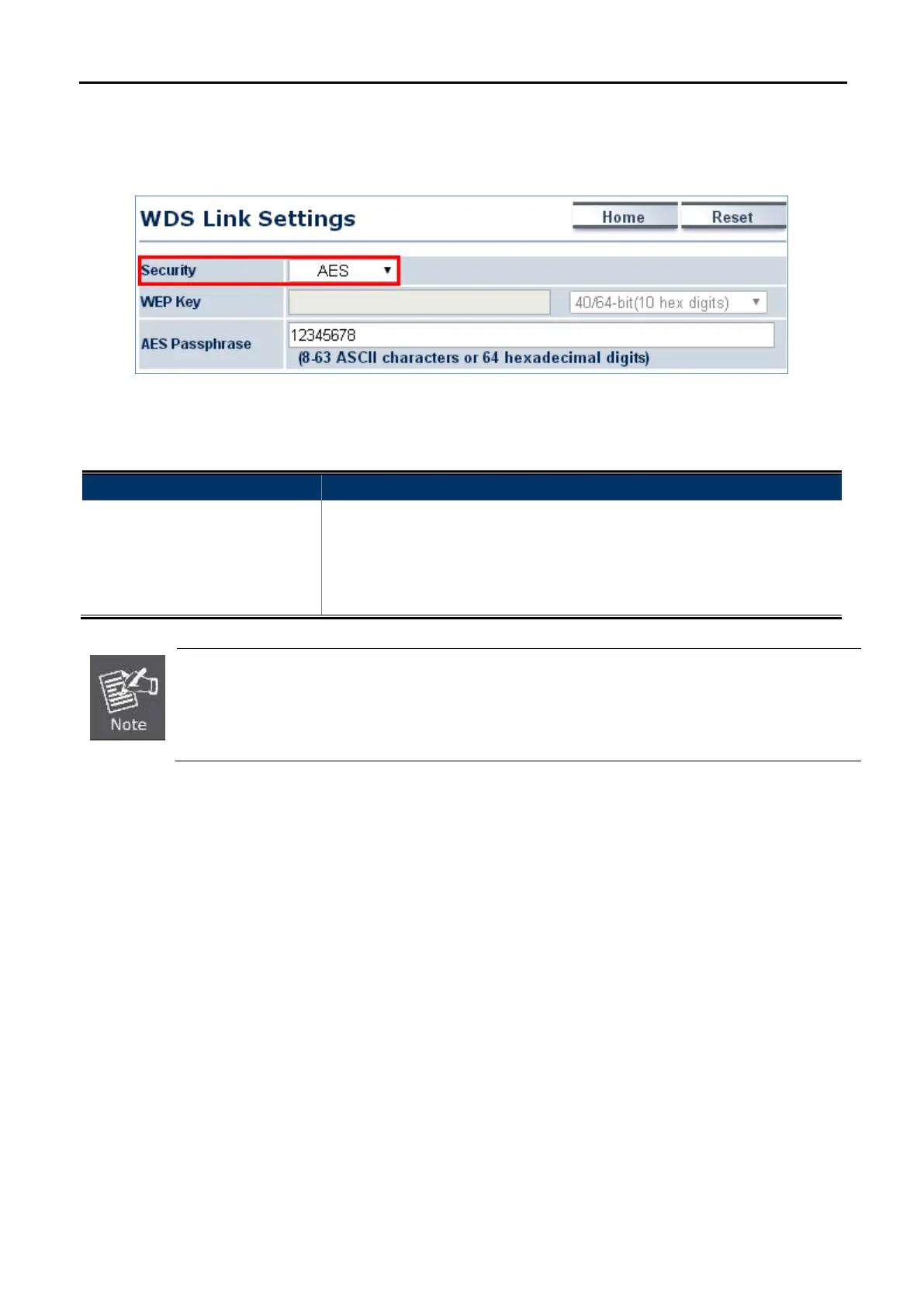
In the WDS Bridge mode, select Security Mode on the “WDS Link Settings” page to configure the wireless
security settings. The security settings in each site of the WDS link must be configured to the same.
Figure 5-38 Security Settings – WDS Bridge Mode
The option includes the following settings:
Object Description
• Security Mode
Select the suitable security mode from the drop-down list to encrypt the
wireless network. The options include Disabled, WEP, WPA-PSK,
WPA2-PSK, WPA-PSK Mixed, WPA, WPA2, and WPA Mixed. The latest
WPA2-PSK mode is strongly recommended to use.
1. The WEP and WPA/WPA2 with TKIP didn't support in pure 802.11n mode and these options wil
not available in pure 802.11n mode.
2. In 802.11b/g
/n mixed mode, if configured the security to WEP, WPA/WPA2 with TKIP, the
connection mode/speed will be changed from 802.11n to 802.11g.
Disabled
Authentication is disabled and no password/key is required to connect to the access point.
WEP
WEP (Wired Equivalent Privacy) is a basic encryption. For a higher level of security, consider using the WPA
encryption.



 To Next Page