User Manual of WAP-200N/WBS-200N
-73-
5.5.3 Security Settings
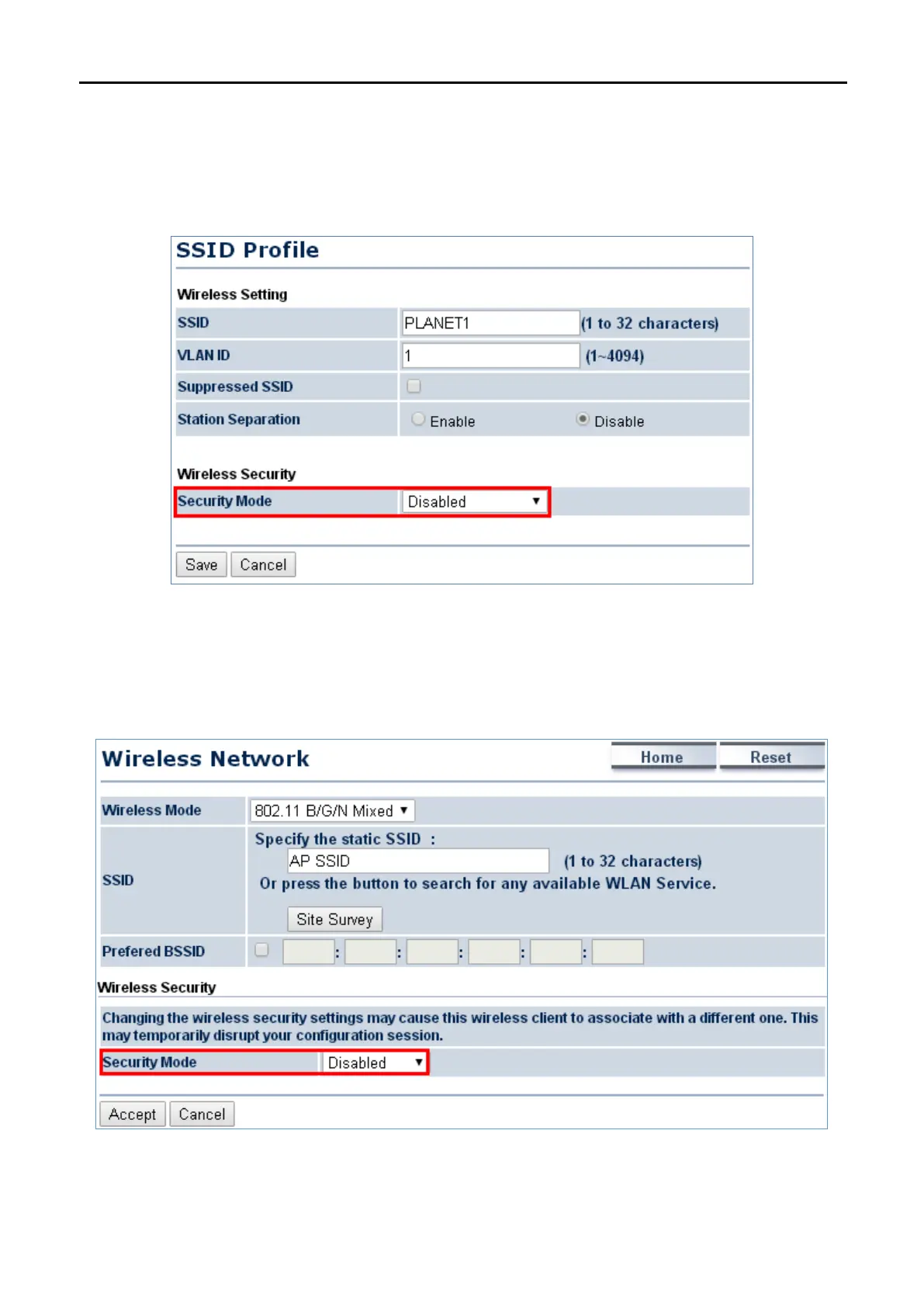
Go to the “Wireless Wireless Network” page to configure the security settings.
In the AP/WDS AP mode, click the Edit button on the “Wireless Network” page to enter the “SSID Profile” page
and configure the wireless security for the wireless network.
Figure 5-36 Security Settings – AP/WDS AP Mode
In the CB/WDS STA/CR/Repeater mode, select Security Mode on the “Wireless Network” page to configure
the wireless security to be the same as the root AP’s security settings.
Figure 5-37 Security Settings – CB/WDS STA/CR/Repeater Mode



 To Next Page