User Manual of WAP-200N/WBS-200N
-39-
5.1.6 Client Router (CR/WISP)
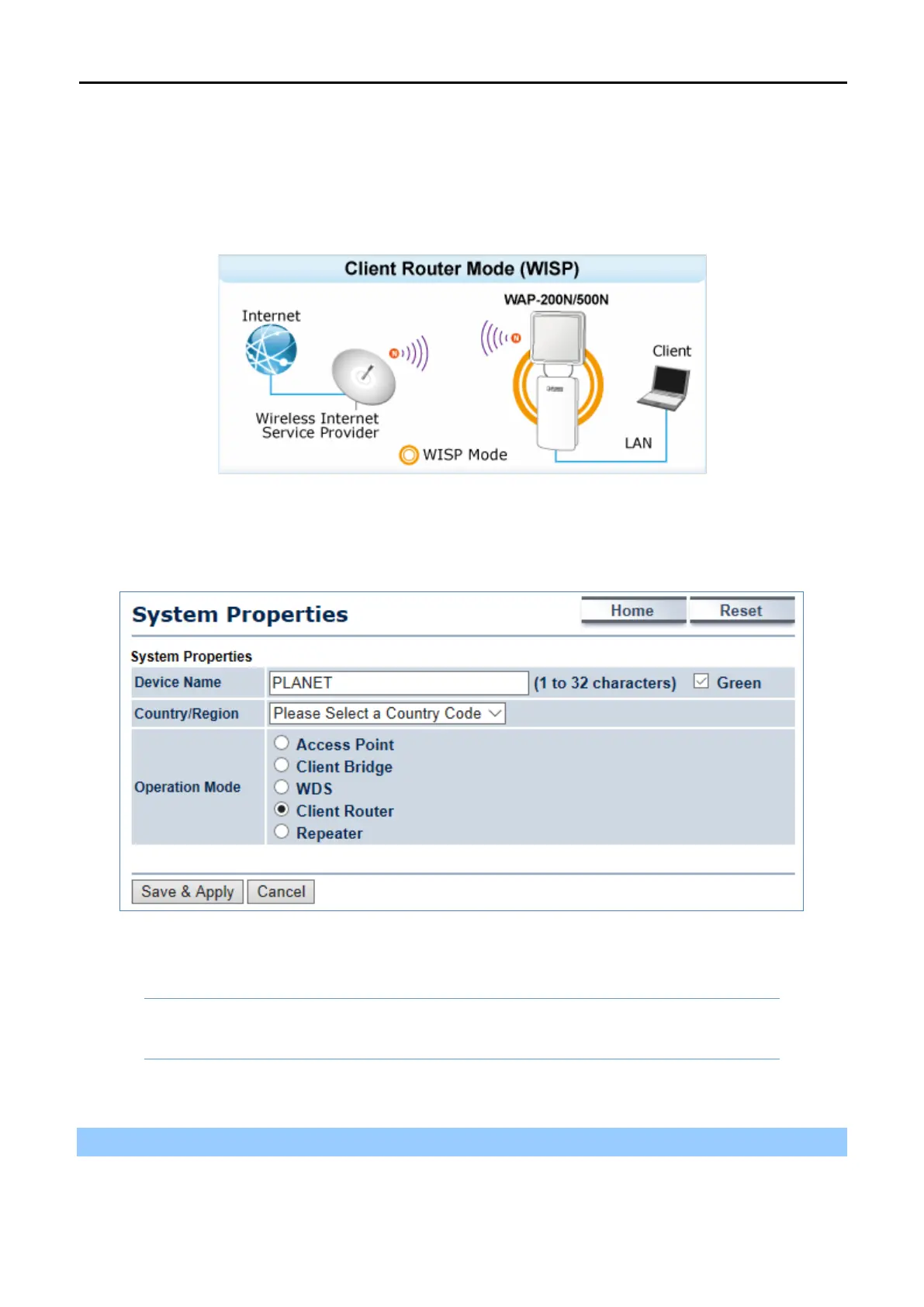
This section allows you to configure the Client Router (Wireless ISP) mode to enable clients to access Internet
through remote wireless AP provided by ISP. In this mode, the DHCP server is enabled and able to assign IP
address to local clients after the device is connected to remote wireless AP provided by ISP.
Go to the “System Operation Mode” page to configure the device as “Client Router” and then go to
“Wireless
Wireless Network” to configure the related wireless settings.
Figure 5-7 Operation Mode – Client Router (WISP)
Configuration Example
The following procedure will guide you to how to establish WISP connection.
Step 1. Go to the “Operation Mode” page to configure the device as “Client Router”.



 To Next Page