User Manual of WAP-200N/WBS-200N
-49-
5.2 Status
This section provides the current system summary, system log and connection status including Wireless Client
List, WDS Link List, DHCP Client Table and Connection Status to assist the administrator in viewing the network
status.
In the upper-right corner of each function page, you can click “Home” to go back to the Main page to view the
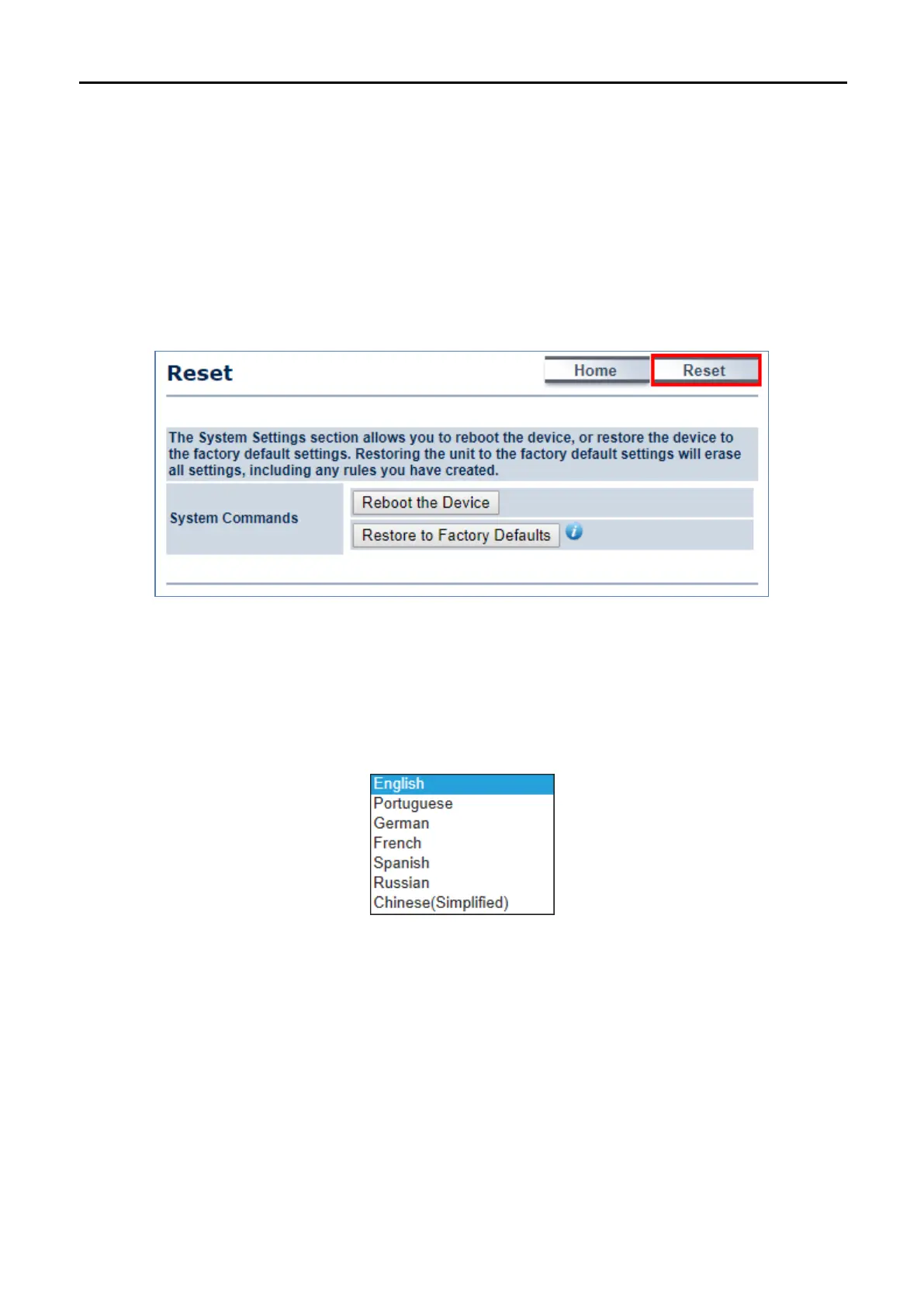
current system status and click “Reset” to force the system to reboot or reset the device to factory defaults.
Figure 5-9 System Menu - Reset
In the upper-right corner of each function page, you can choose the Language supported in the system from the
drop-down list for better user experience. Once the language is chosen, the whole web page will be translated in
the language.
Figure 5-10 System Menu – Language option
5.2.1 Main
Click “Status Main” to view the current system summary.



 To Next Page