User’s Manual of WGR-500-4P and WGR-500-4PV
After finishing the procedures, the industrial wall-mount Gigabit router is now successfully configured. You may
now attach the xDSL/fiber/cable modem and Ethernet equipment to the wired ports on the front panel of the
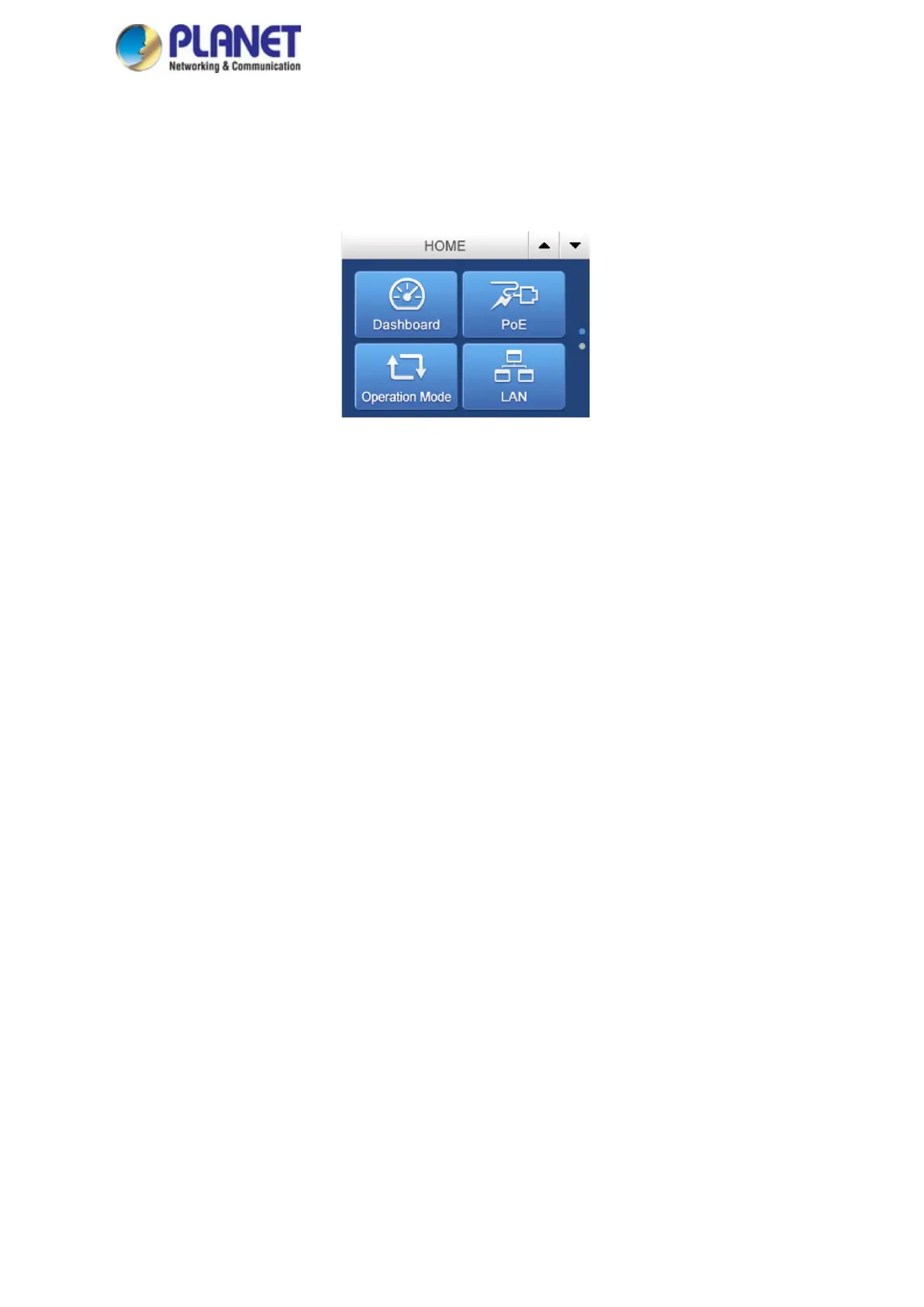
industrial wall-mount Gigabit router. The Figure 3-6 shows the main menu that allows user to access different
router and PoE features. Tap Up/Down to access all settings.
Figure 3-6: Main Menu on LCD Screen



 To Next Page