User’s Manual of WGR-500-4P and WGR-500-4PV
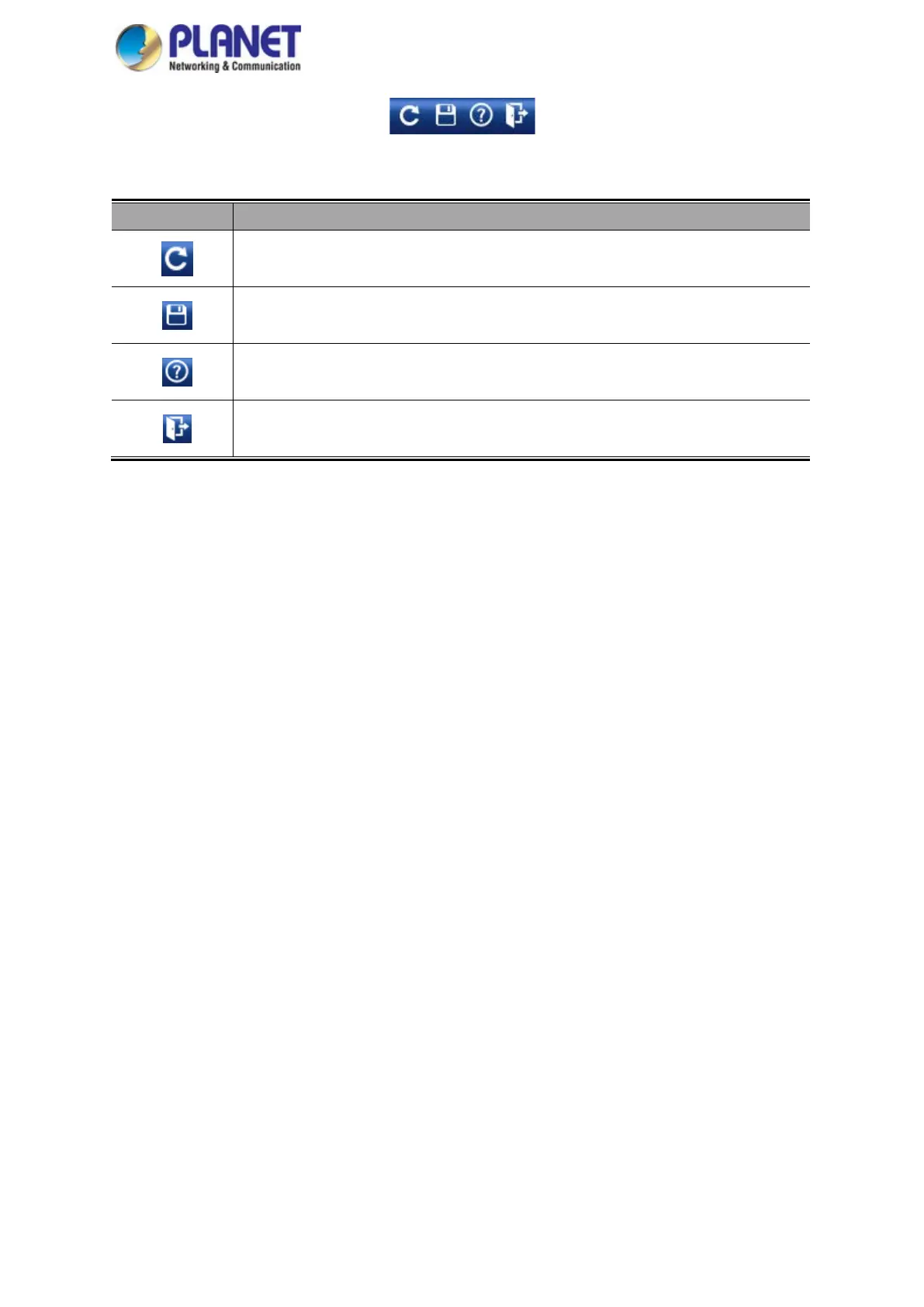
Figure 4-4: Function Button
Object Description
Click the "Refresh button" to refresh the current Web page.
Click the " Save/Restore configuration button" to go to Save/Restore configuration page.
Click the "Help button" to show the function descriptions of the current pages.
Click the "Logout button" to log out the web UI of the industrial wall-mount Gigabit router.



 To Next Page