User’s Manual of WGR-500-4P and WGR-500-4PV
Mode 2 DHCP Client
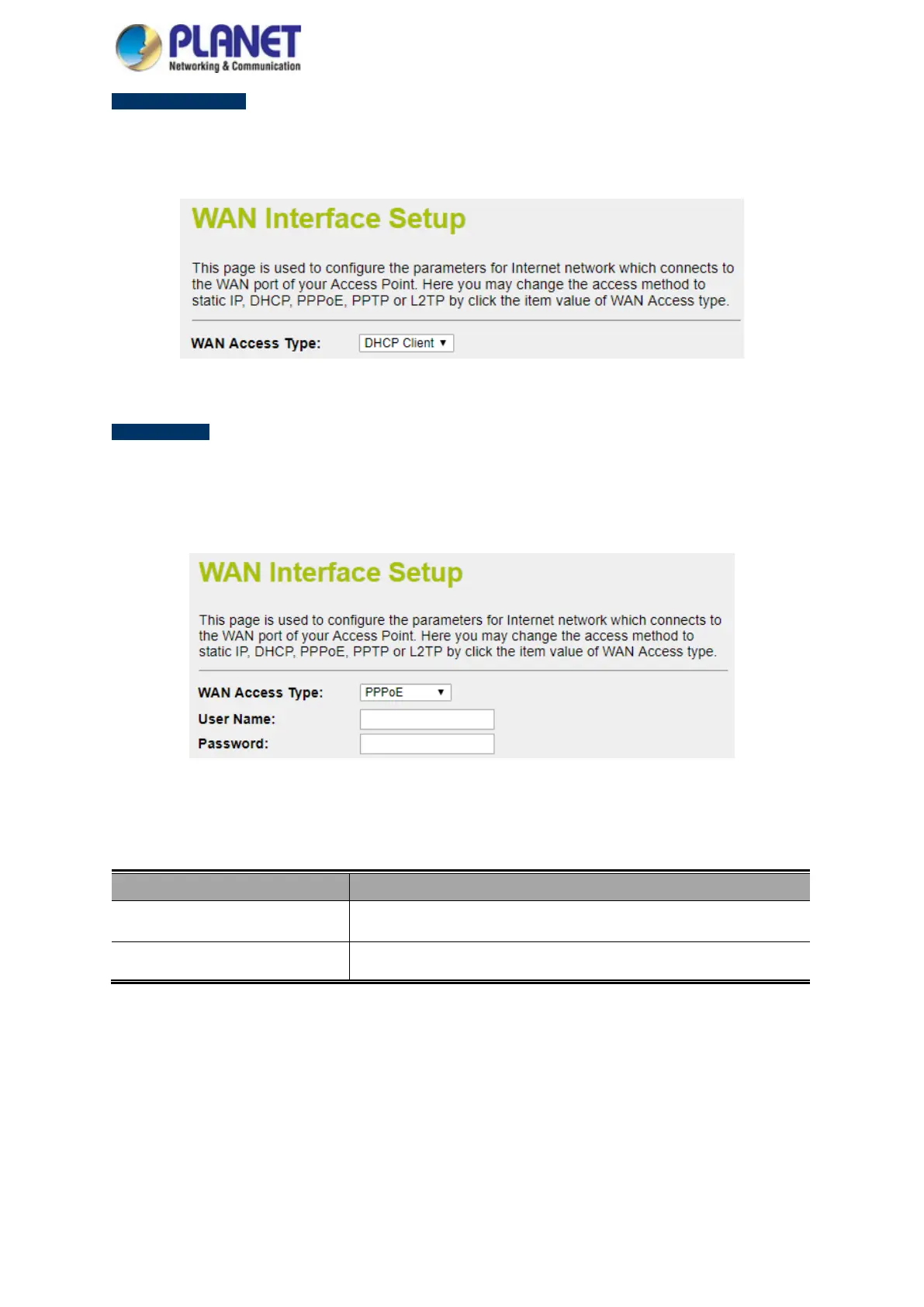
Select DHCP Client to obtain IP Address information automatically from your ISP. The setup is shown in Figure
4-13.
Figure 4-13: WAN Interface Setup – DHCP Setup
Mode 3 PPPoE
Choose PPPoE (Point to Point Protocol over Ethernet) if your ISP uses a PPPoE connection. Your ISP will
provide you with a username and password. This option is typically used for DSL services. The setup is shown in
Figure 4-14.
Figure 4-14: WAN Interface Setup – PPPoE Setup
Object Description
User Name Enter your PPPoE user name.
Password Enter your PPPoE password.



 To Next Page