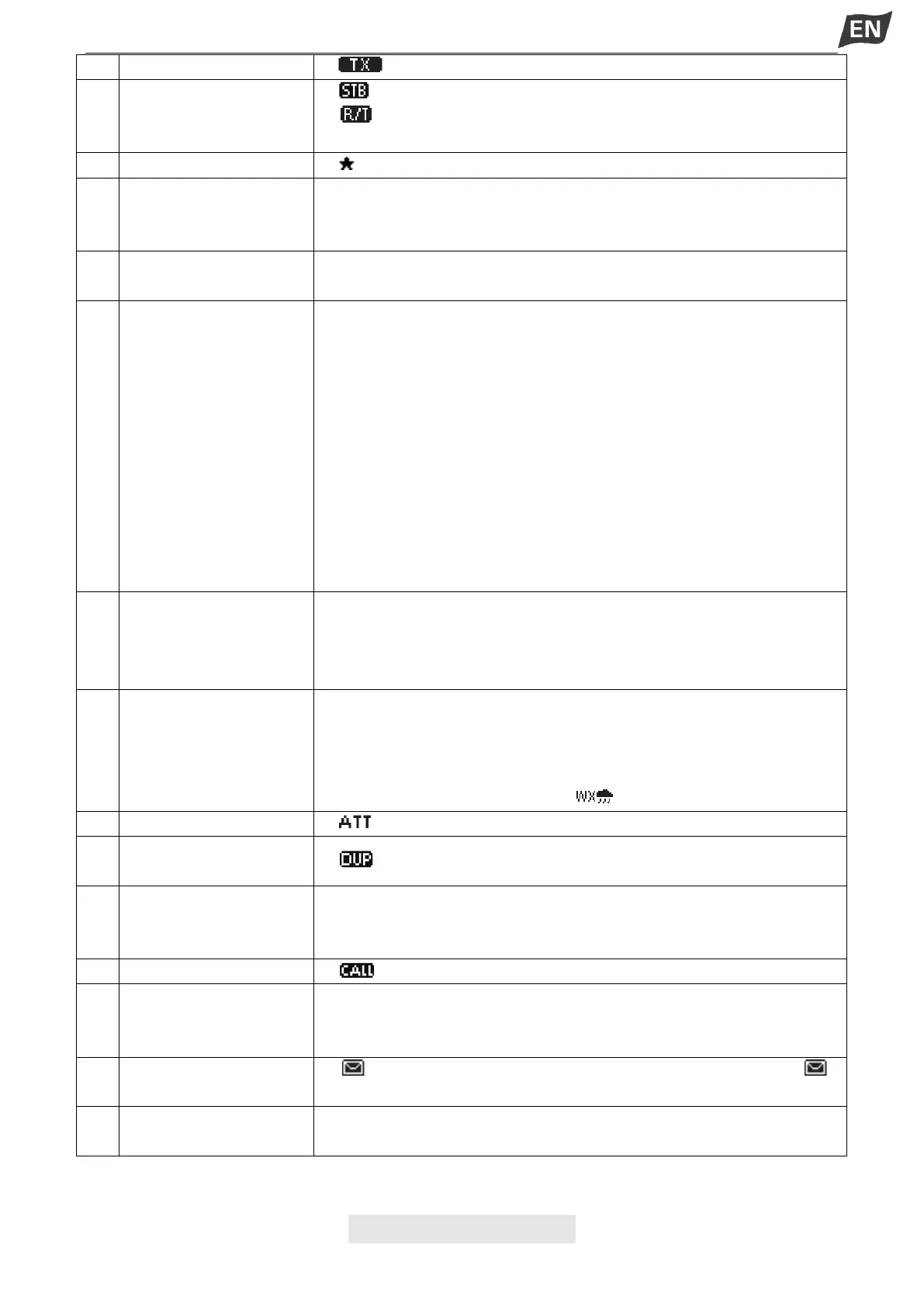
●“ ”displayed while transmitting.
●“ ” displayed when in the standby mode.
●“ ” displayed when the channel is changed while receiving or
transmitting a signal.
●“ ” displayed when the Favorite channel is selected.
●Displays the selected operating channel number, can display 4 digits
channel number.
●“A” or “B” is displayed when a simplex channel is selected.
Softkeys Function
Display
●The functions of softkeys are displayed.
●Readouts the current position and time when valid GPS data is
received or when manually input.
● “NO POS NO TIME” is displayed if no GPS data has been received,
and then a warning message is displayed for 2 minutes after turning ON
the transceiver.
● “??” blinks if no GPS data is received for 30 seconds after receving
valid GPS data, and then “??” and a warning message are displayed
after 10 minutes.
●A warning message is displayed if no GPS data is received for 4 hours
after receiving valid GPS data.
●A manually input GPS data is valid for 23.5 hours, and then a warning
message is displayed.
●“SCAN 16” is displayed while Priority Scan, “SCAN” is displayed while
Normal Scan.
●“DW 16” is displayed while Dualwatch, “TW 16” is displayed while Tri-
watch.
●“USA” is displayed when USA channel group is selected.
●“INT” is displayed when International channel group is selected.
●“CAN” is displayed when Canada channel group is selected.
●“WX” is displayed when Weather channel group is selected.
●When the WX-Alert is set to ON, “ ”is displayed instead of “WX”.
●“ ” is displayed when RF attenuation is ON.
●“ ” is displayed when a Duplex channel is selected.
●GP: GPS; GN: GPS+GLONASS;
DGP: SBAS+GPS;
DGN: SBAS+GPS+GLONASS
●“ ” is displayed when a Call channel is selected.
●Displayed when valid GPS position data (Including GPS and
GLONASS) is received.
●Blinks when received GPS position data is invalid.
●“ ” is blinked when there is an unread DSC message, “ ”
disappears when the message has been read.
●“25W” is displayed when high power is selected.
●“1W” is displayed when low power is selected.


 To Next Page
 Loading...


