• The call is saved in the DSC Log.
Press [ ]: Accepts the call.
• The assigned channel is automatically selected.
• The call is saved in the DSC Log.
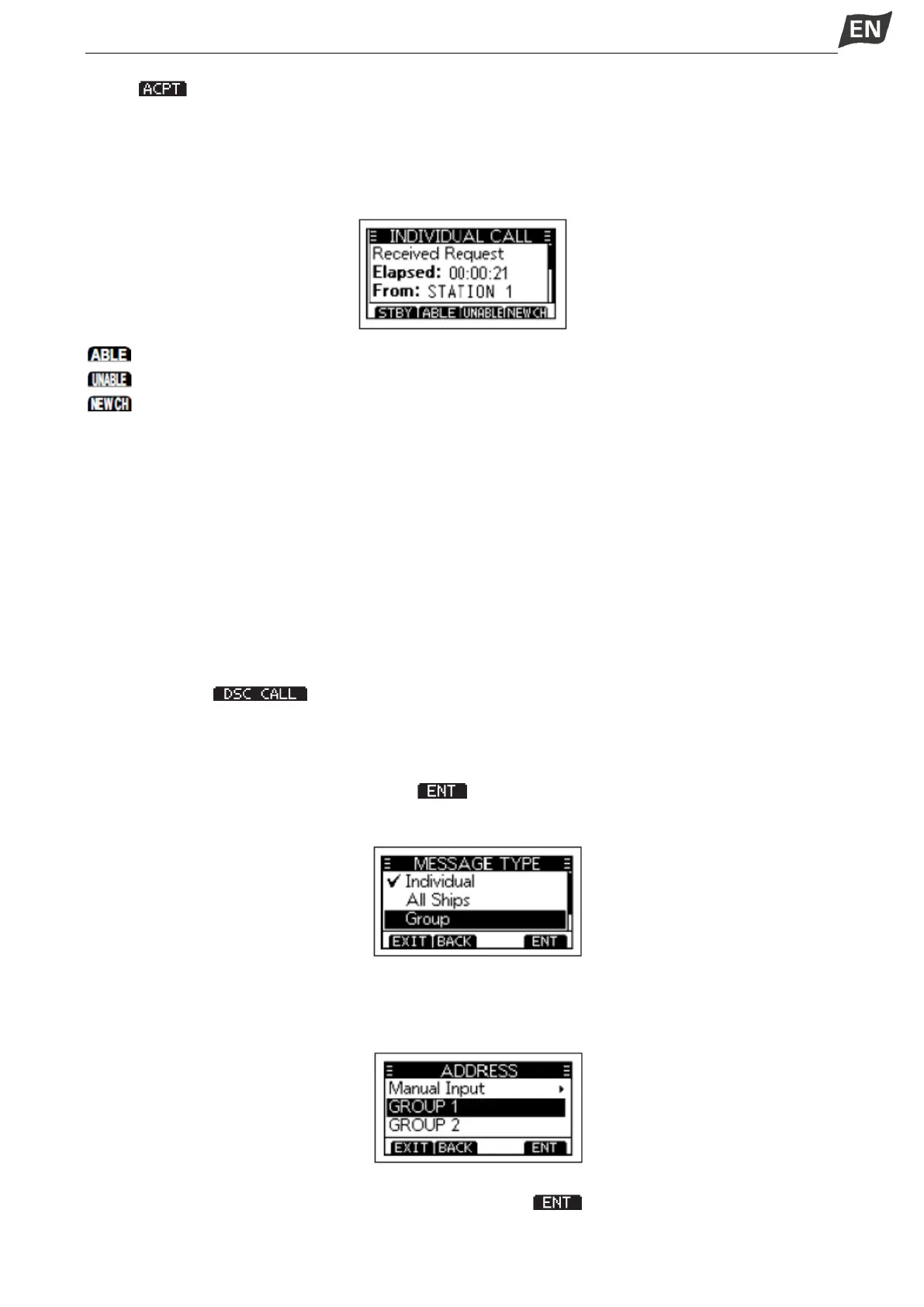
• The received call’s information is displayed.
• Press the softkey to select the Acknowledgement option.
(Able to Comply): Sends an Acknowledgement call without any changes.
(Unable to Comply): Sends an Acknowledgement call but cannot communicate.
(Propose New CH): Ables to communicate but proposes another channel. Specify the channel by
press[▲] or[▼].
NOTE: If the Auto ACK function is set to “Auto (Unable)”, the Acknowledgement “Unable to Comply” is
automatically sent to the calling station when the call is received. This function is set to “Auto (Able)” by
default.
■ Group Call
A Group call enables you to send a DSC call to only a specific group.A group of fleets corresponds to a
group call identification code, and the entire fleet will be called when the group calls.
◆ Sending a Group Call
You can send a Group call to a pre-entered group address, or manually enter the address before sending.
1. Press softkey [ ], the “OTHER DSC” screen is displayed.
NOTE: You can also display the “OTHER DSC” screen by selecting the “DSC Call” item on the Menu
screen.
2. Select “Type”, then press [OK], “MESSAGE TYPE” is displayed.
3. Select “Group”, then press [OK] or softkey [ ].
• Returns to the “OTHER DSC” screen.
4. Select “Address”, then press [OK].
5. Select the group to send a Group call to, then press [OK].
NOTE: You can also select “Manual Input” to manually enter the target group.
6. Select “Channel”, then press [OK].
7. Select a channel to assign, and then press [OK] or softkey [ ].
•The assigned channels are preset by default.


 To Next Page
 Loading...


