■ Power ON/OFF
1.Press and hold [PWR] knob for 1 second to power ON.
2.Press and hold [PWR] knob for 1 second again to power OFF.
■ Transmitting and Receiving
◆Transmitting
1. Press [H/L] key on the microphone to select the output power if necessary.
·”LOW” appears when low power is selected.
· Choose low power for short range communication, choose high power for longer distance
communication.
·Some channels are with low power only.
2. Press and hold [PTT] key to transmit, then speak into the microphone.
·“ ” appears.
·CH70 is for DSC transmitting only.
3. Release [PTT] to receive.
NOTE: Do not transmit before connecting the antenna, this will ruin the transceiver.
If the TOT function is enabled by the PC programming software, the transmission time-limited protection
function prohibits continuous transmission for a long time.
◆ Receiving
Volume Adjustment:
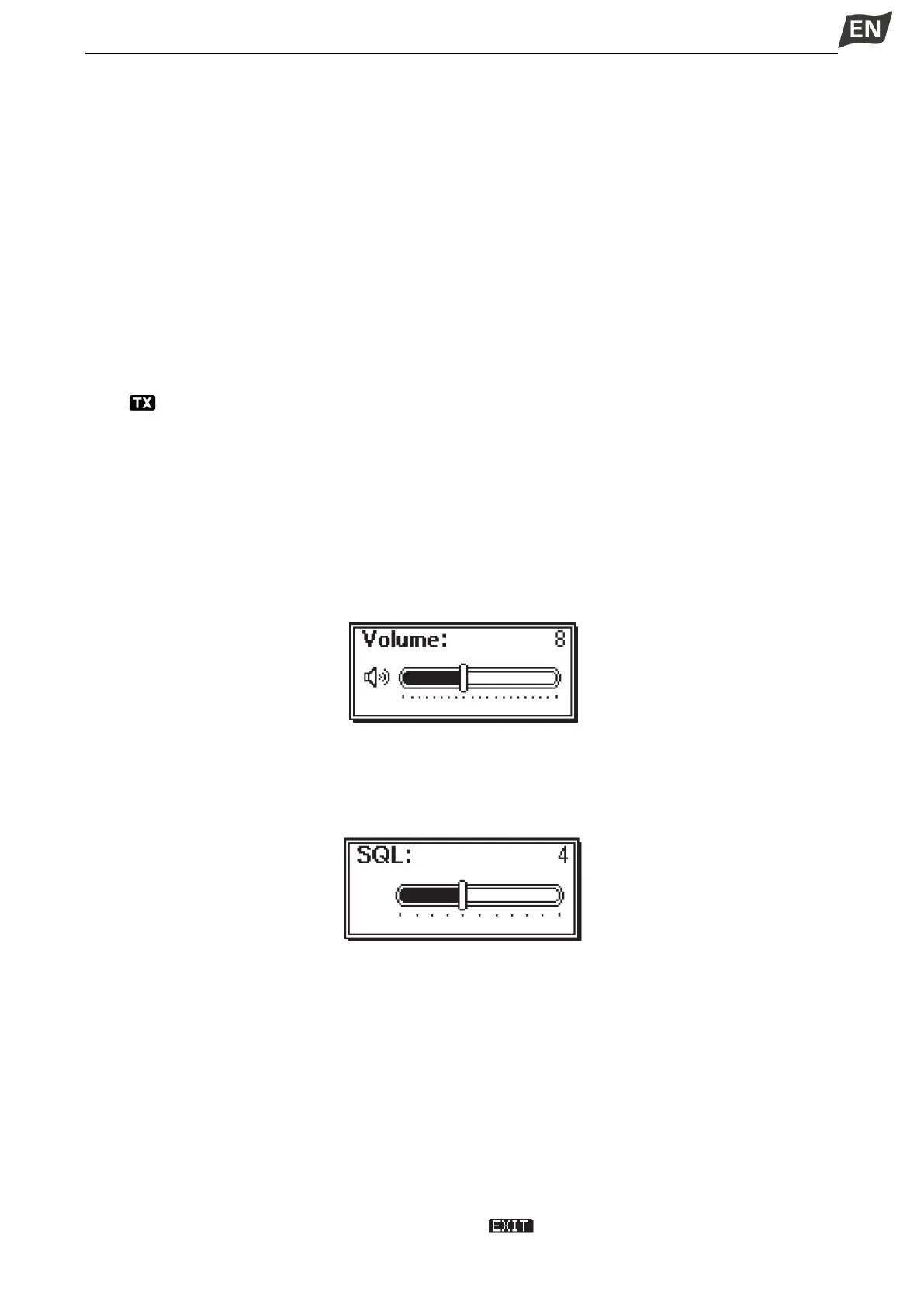
1. Rotate [VOL] knob to adjust the volume, volume adjustment interface is displayed.
2.If no key is pressed within 5 seconds, the interface will automatically exit.
Squelch Level Adjustment
1. Press [SQL] knob twice, squelch level adjustment interface is displayed.
2. Rotate [SQL] knob to adjust the squelch level.
3.If no key is pressed within 5 seconds, the interface will automatically exit.
■ Channel Group Selection
Channel Groups are preset into this transceiver.
1. Press [MENU] key, the menu interface is displayed.
2. Press [▲]\[▼] or rotate [DIAL] knob to select “Radio Settings”, then press [OK], the “RADIO SETTINGS”
screen is displayed.
3. Press [▲]\[▼] or rotate [DIAL] knob to select “Channel Group”, then press [OK], the “CHANNEL
GROUP” screen is displayed.
4.Press [▲]\[▼]or rotate [DIAL] knob to select a ChannelGroup, then press [OK], the selected Channel
Group Iconis displayed on the operating screen. Press [ ] to exitthe menu screen.



 To Next Page
 Loading...

