EasyManua.ls Logo

Plastimo VHF FX-500 - Menu Screen Operation; Navigating the Menu System and Items

Plastimo VHF FX-500
Print Icon
To Next Page IconTo Next Page
To Previous Page IconTo Previous Page
Loading...
87
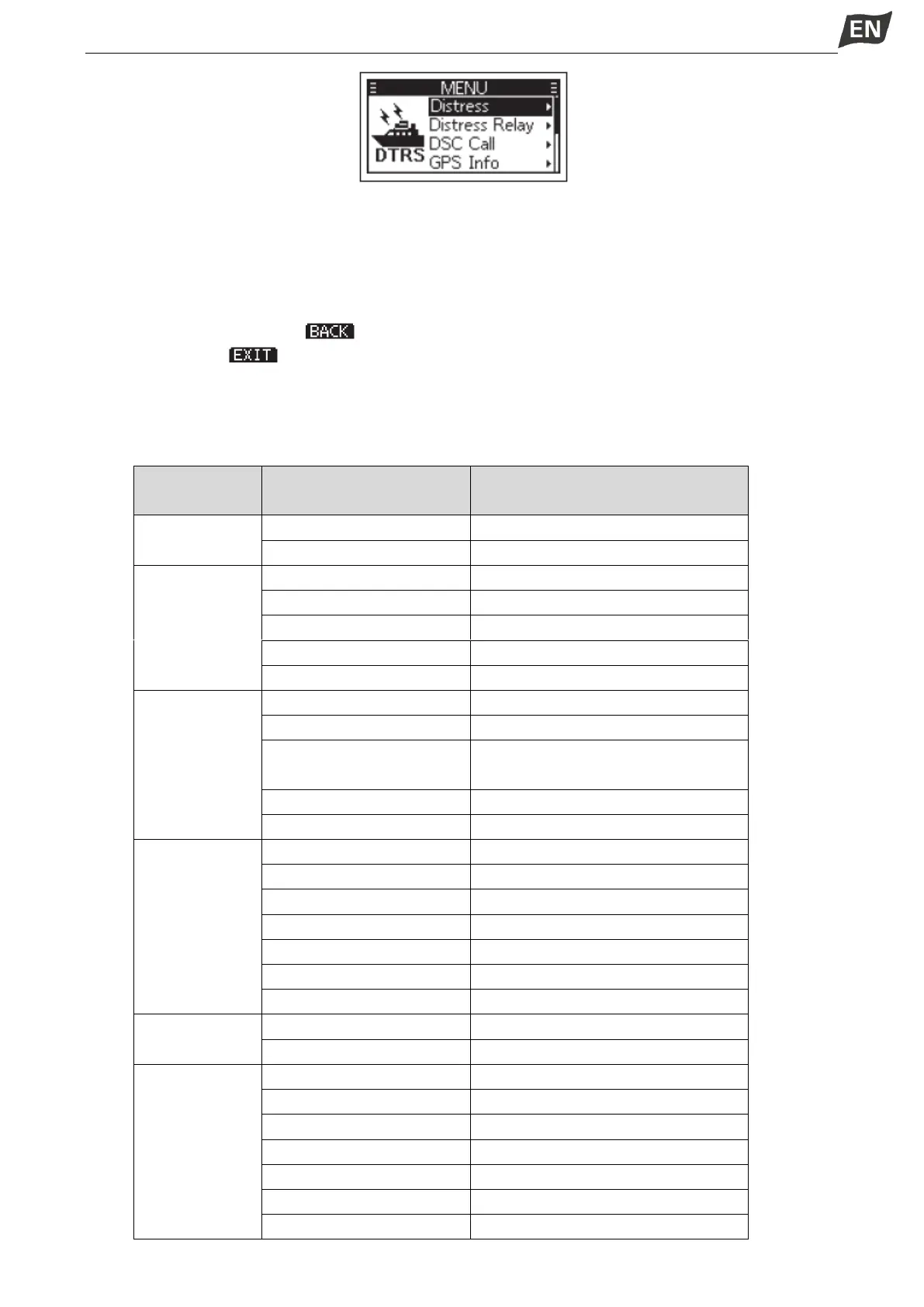
Entering Menu Screen Operation
1. Press [MENI], the Menu screen is displayed.
2. Press []/[] or rotate [PWR/VOL/SQL] to select the required menu item, then press [OK] to
confirm, or to enter next level menu.
Repeat this operation to enter all levels of menu items.
3. Press [BACK] or softkey [ ] to return to the previous screen.
4. Press softkey [ ] to exit the Menu screen.
Menu Screen Items
The Menu screen contains the following items.

Main Menu
Item
Submenu Item
Display
Distress
Nature of Distress
Nature
Position
Position
DSC Call
Type
Type
Address
Address
Category
Category
Mode
Mode
Channel
Channel
GPS
Info (Display P
osition Info)
Source
Source
Latitude
LAT
Longitude
UTC Time
LON
UTC
Speed
SOG
Course
COG
Configuration
Backlight
Backlight
Display Contrast
Display Contrast
Key Beep
Key Beep
Key Assignment
Key Assignment
UTC Offset
UTC Offset
Inactivity Timer
Inactivity Timer
GPS Configuration
GPS
DSC Log
Received Call Log
Received Call Log
Transmitted Call Log
Radio Settings
Scan Type
Scan Type
Scan Timer
Scan Timer
Dual/Tri-watch
Dual/Tri-Watch
Dualwatch
Dualwatch
Tri-Watch
Tri-Watch
Channel Group
Channel Group
Call Channel
Call Channel

Table of Contents

Related product manuals