888-2408-002 2-27
WARNING: Disconnect primary power prior to servicing.
Installation & Initial Turn-On
2.8 Setting the Low Power Alarm
The transmitter has a low power alarm output for a remote control system. The
power level at which this remote alarm output is triggered, at TB1-13
XMTR_PWR_LO_IND, is selectable in the Configuration Menus. To set this power
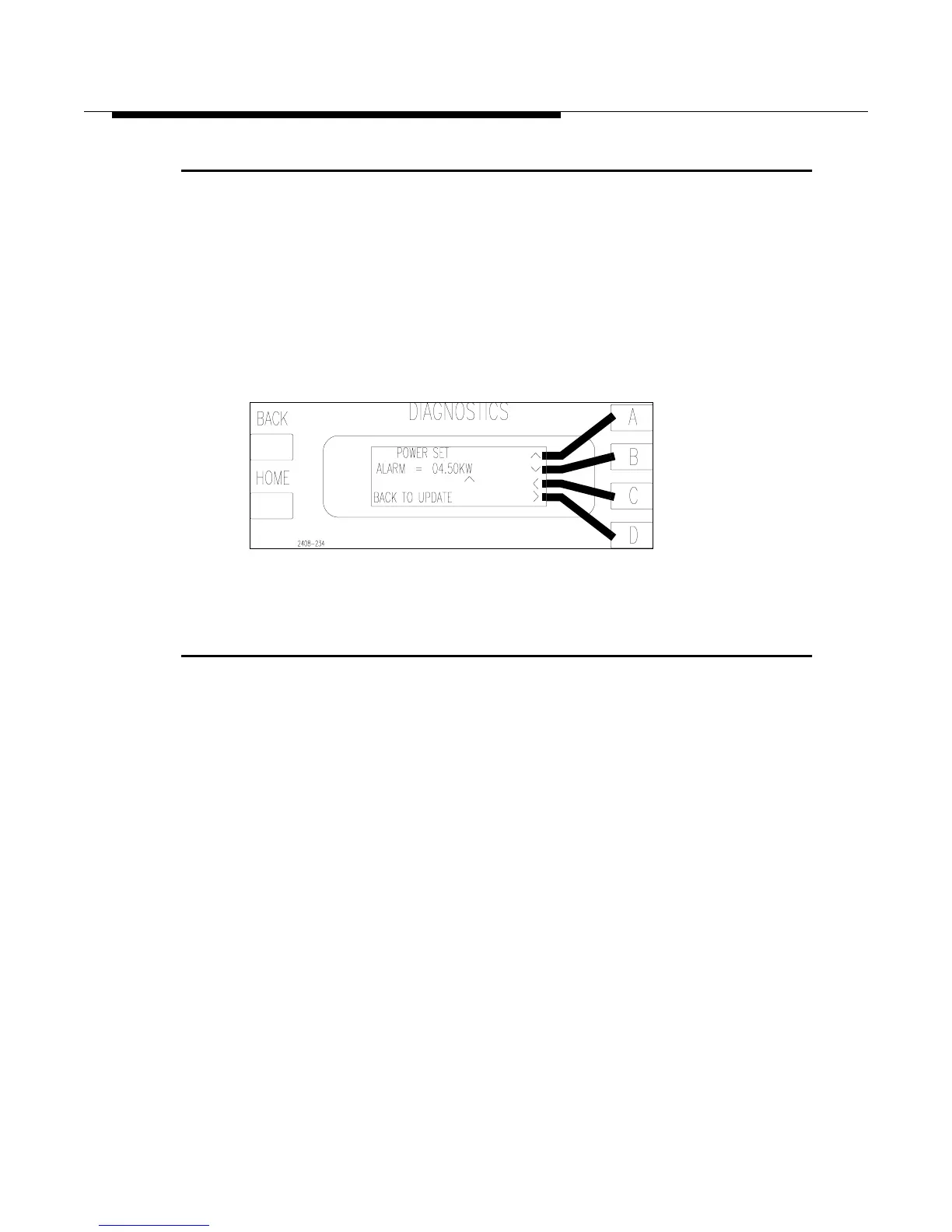
level press [HOME, MORE, CONFIGURATION B,D,B]. This should take you to
the screen in Figure 2-18. Set the power level at which you want the alarm to
become active and press [BACK] to save changes. For a complete listing of all
configurable parameters see “System Configuration and Calibration” in Section VI,
Troubleshooting.
Figure 2-18 Low Power Alarm Set Screen
2.9 Jumper Settings for Installation of a Harris Exciter
The following is for installing an exciter other than the one or two which came with
the transmitter. Any exciter tested and shipped with the transmitter will have already
been configured properly for the transmitter and should not require any jumper
changes. Table 2-2 includes all relevant jumper placement for the transmitter and
the following exciters:
• Digit CD Exciter with 994-9410-004 Part Number
• Digit Exciter with 994-9410-002 Part Number
• SuperCiter
• THE-1
Mounting Kits are available for each of the exciters listed.



 To Next Page